Specimen Orb
A contained WebGL specimen viewer: a gyroid TPMS lattice raymarched inside a glass orb, refracting the token bench with a primary glint. Slow ambient orbit, eased drag momentum, arrow keys rotate.
Preview & code
Installation
pnpm dlx shadcn@latest add @cleverui/specimen-orbRequires the @cleverui registry in your components.json, a one-off, two-line setup.
Usage
API reference
SpecimenOrb accepts the following props.
…plus everything from React.HTMLAttributes<HTMLElement>: className, event handlers, aria attributes and the rest pass straight through.
Related components
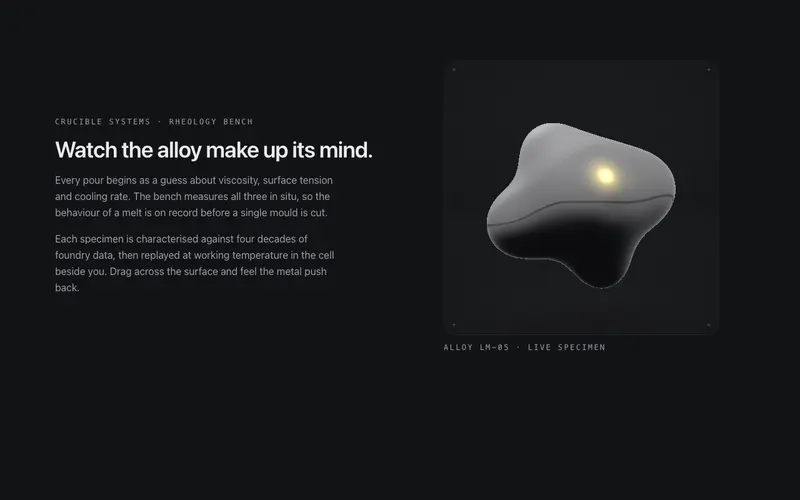
Liquid Metal
A contained WebGL specimen cell (ogl) of raymarched liquid chrome: metaballs breathe and orbit, the pointer dents the surface, and the studio environment is derived live from theme tokens.
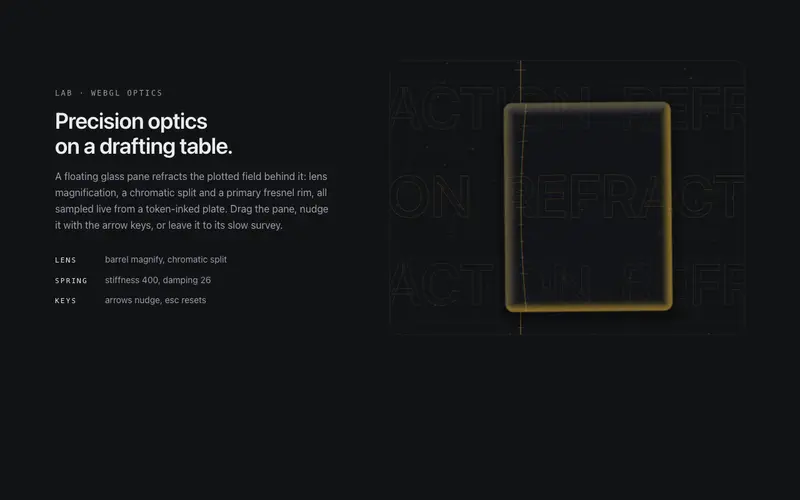
Refraction Pane
A floating glass pane (ogl) that refracts a token-inked drafting plate: lens distortion, chromatic split and a primary fresnel rim. Ambient drift, spring drag-return, keyboard operable.
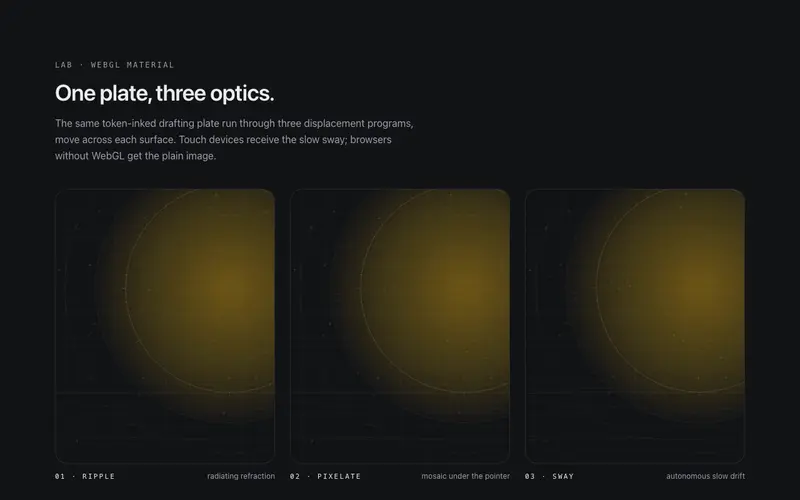
Shader Image
A WebGL image surface (ogl) for React, ripple, pixelate, or sway displacement on hover, a token-drawn plate by default, and honest fallbacks to a plain image. Tailwind-themed, self-idling.
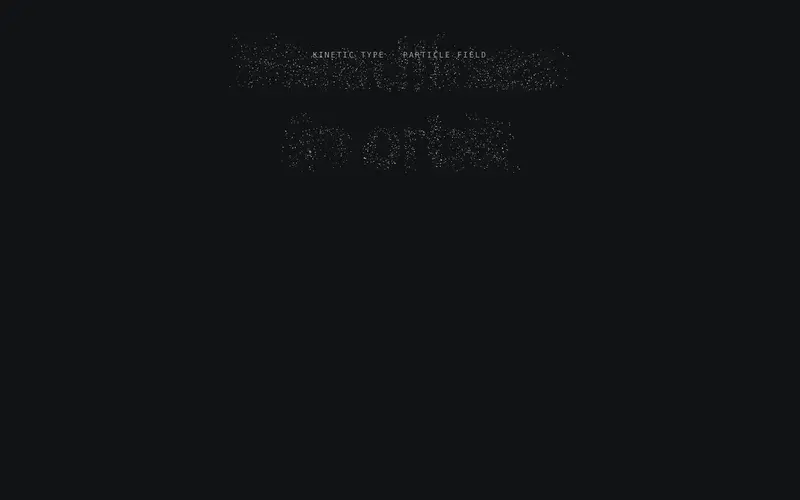
Type Constellation
Headline type as an ogl WebGL constellation: glyph-sampled points settle into letterforms, join with hairline links and part around the cursor, while the real heading stays in the DOM.
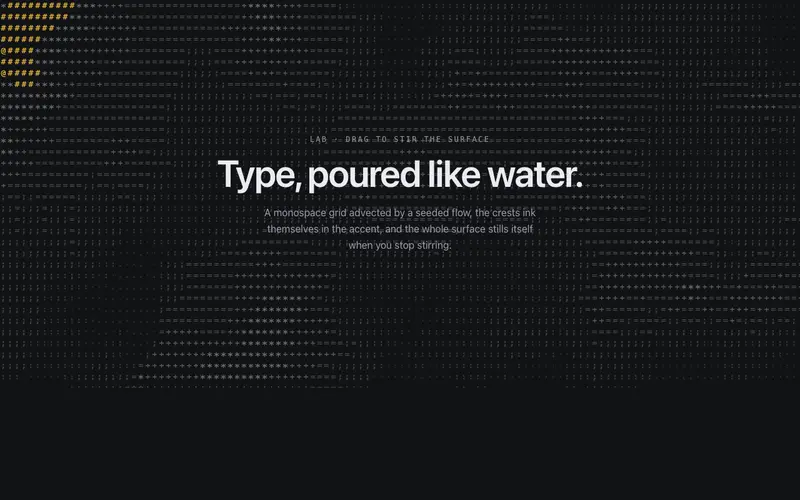
ASCII Liquid Field
A monospace glyph grid flowing like liquid, a seeded scalar field advects through a curl flow, crests ink in the accent, pointer drags stir it. Self-idling React + Tailwind canvas background.
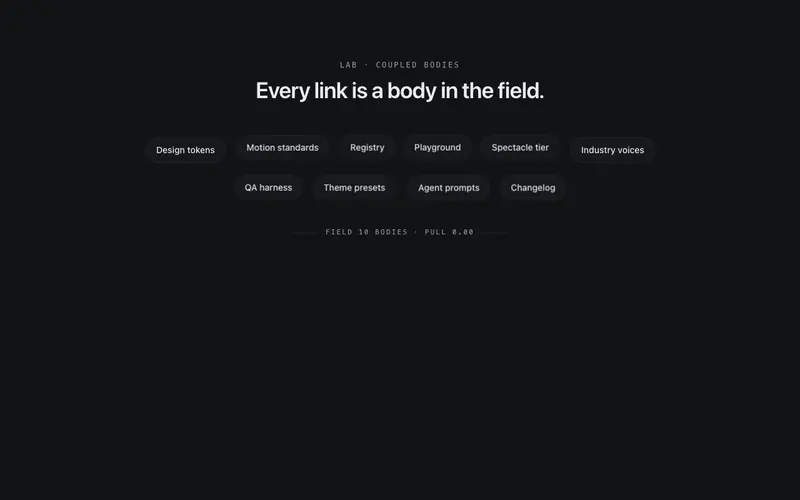
Magnetic Field
A multi-body magnetic link field for React, the pointer pulls chips, displaced bodies shoulder neighbours aside, springs carry the system home. Keyboard drives the same physics. Tailwind-themed.
Frequently asked questions
How do I install the Specimen Orb component?
Register the @cleverui registry in your components.json ("@cleverui": "https://cleverops.com.au/r/{name}.json"), then run `npx shadcn@latest add @cleverui/specimen-orb`. The shadcn CLI copies the source into your project, you own the code from that point. You can also copy the source directly from this page.
What dependencies does Specimen Orb require?
Specimen Orb uses motion and ogl on top of React and Tailwind CSS. You don't need to install them manually, the shadcn CLI resolves and installs npm dependencies automatically when you add the component.
Can I theme Specimen Orb to match my brand?
Yes. The component is styled entirely with Tailwind utilities over standard design tokens (primary, background, muted, border), so it inherits your existing shadcn/ui theme automatically. Change your CSS variables and the component follows, no source edits needed for palette, radius, or fonts.
Want this built for you?
CleverUI is built by the Clever Ops web team. If you'd rather ship a hand-coded, fast, custom website than assemble one, we build them for Australian businesses every week.
Explore web development services