Free React Scroll Animation Components
Scroll is the one interaction every visitor already knows, and these sixteen components turn it into narrative structure: sticky scenes and chapter snaps for storytelling, an exploded view and gearworks for product anatomy, parallax strata and core samples for depth, a horizontal gallery, an image-sequence player, a progress thread, and quieter tools, reveal groups, depth fades, ink rollers, for pacing an ordinary page. Everything is driven by scroll position with reduced-motion fallbacks, so the story works even when the animation stands still.
16 components · MIT licensed · installable with the shadcn CLI
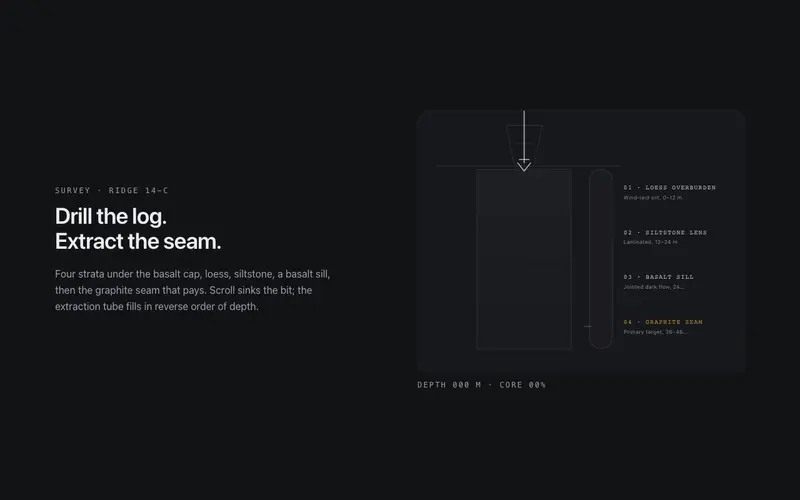
Core Sample
Scroll drills a core sample through labeled strata, the bit sinks, the extraction tube fills layer by layer, and a depth log counts to the primary seam. React and Tailwind tokens, no assets.
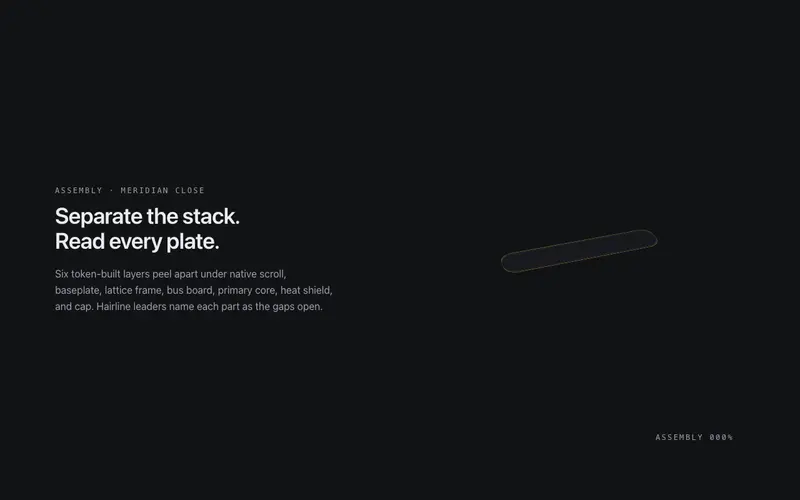
Exploded View
A pinned exploded-view scene for React, scroll separates a token-built 3D assembly into labeled plates with hairline leader lines, zero image assets. Native scroll, Tailwind-themed, poster-safe.
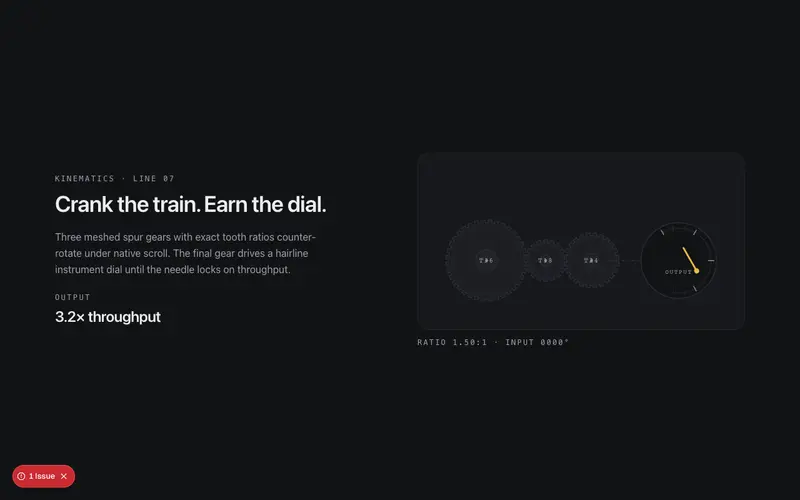
Gearworks
Scroll cranks a meshed SVG gear train, exact tooth ratios counter-rotate hairline gears until the primary dial needle lands on your stat. React and Tailwind tokens, native scroll scrub, no assets.
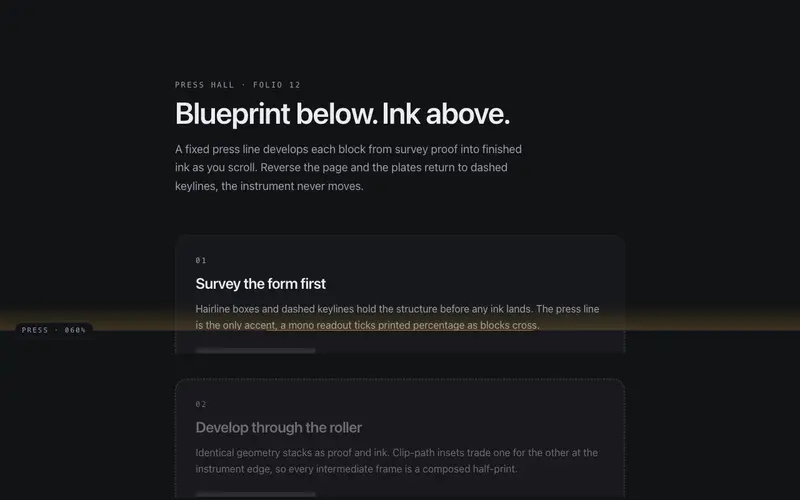
Ink Roller
A viewport press line inks the page as content scrolls beneath it, blocks rise as blueprint proofs and cross into full ink via clip-path. React and Tailwind tokens; reversible, native scroll only.
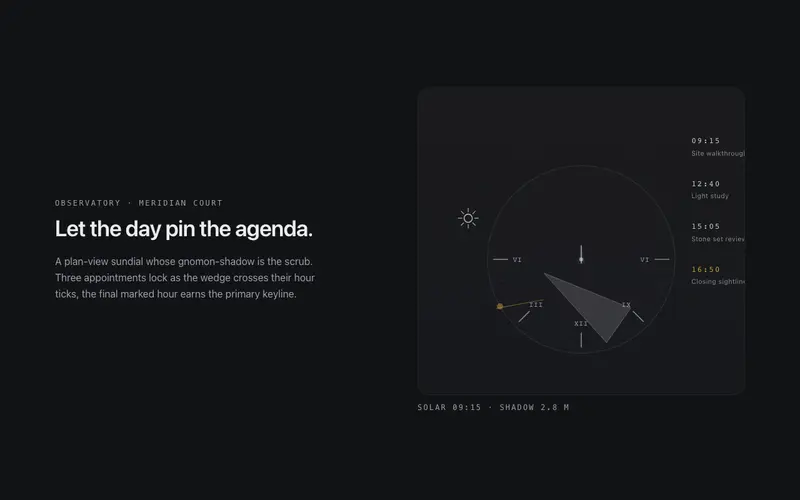
Sundial
Scroll runs the sun across a drafted sundial, the shadow wedge sweeps hour ticks, pinning content to times of day until the marked hour lights. React and Tailwind tokens, native scroll.
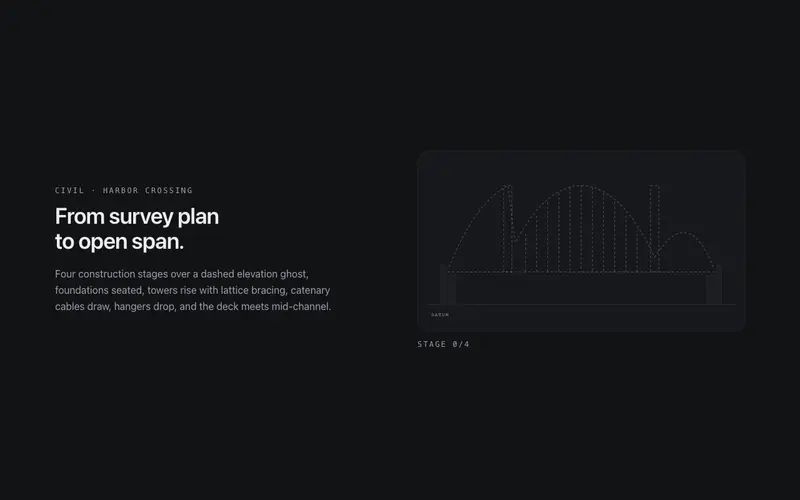
Suspension Span
Scroll builds a suspension bridge from dashed survey plan to open span, towers rise, catenary cables draw, hangers drop, the deck crosses. React and Tailwind tokens, fully reversible.
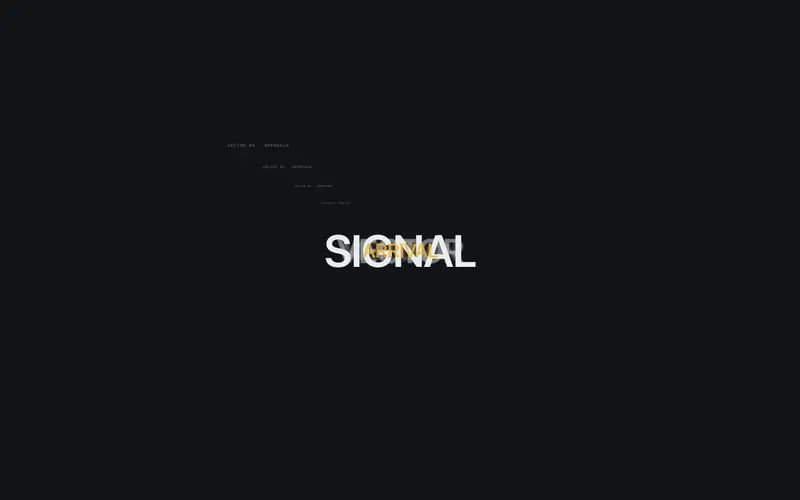
Type Tunnel
A scroll-scrubbed typographic dolly for React, the camera dives through stacked word planes and drafting frames to land on the destination headline. Tailwind tokens, native scroll, poster-safe.
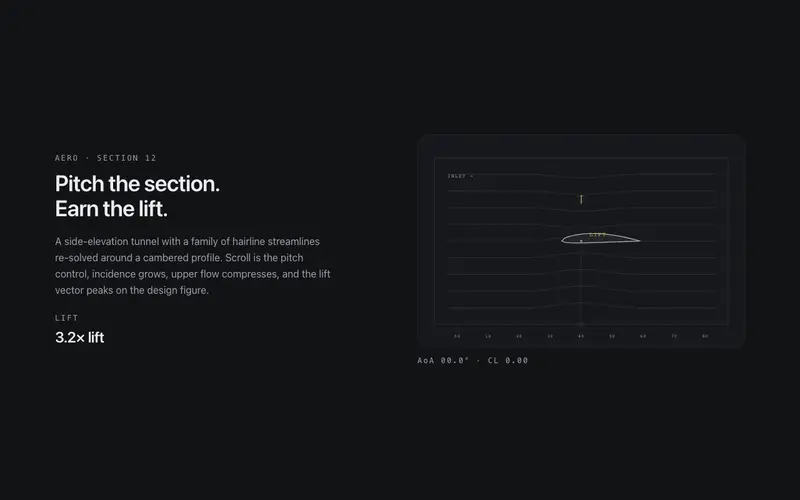
Wind Tunnel
Scroll pitches an airfoil in a drafted wind tunnel, hairline streamlines re-solve around the body until the lift vector peaks on your stat. React and Tailwind tokens, native scroll scrub.

Chapter Snap
Full-viewport chapters with CSS proximity scroll-snap, never a mandatory trap, and a side rail of dots with mono numerals that tracks the active chapter through honest anchor links.
Depth Fade
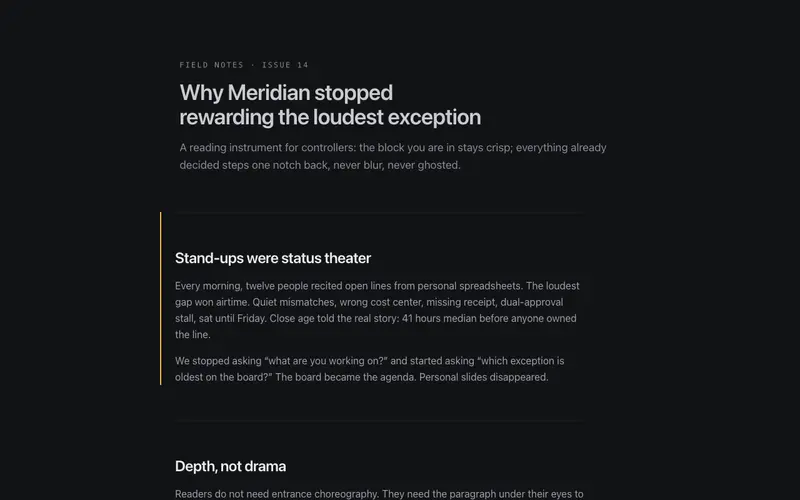
A long-form wrapper where blocks you have read past gently recede in opacity and scale, keeping the active block crisp, reading focus as depth, clamped so text never goes illegible.

Horizontal Gallery
A vertical-scroll-driven horizontal track inside a sticky clipped viewport, translateX mapped to section progress, focusable cards, and a plain scrollable rail under reduced motion.
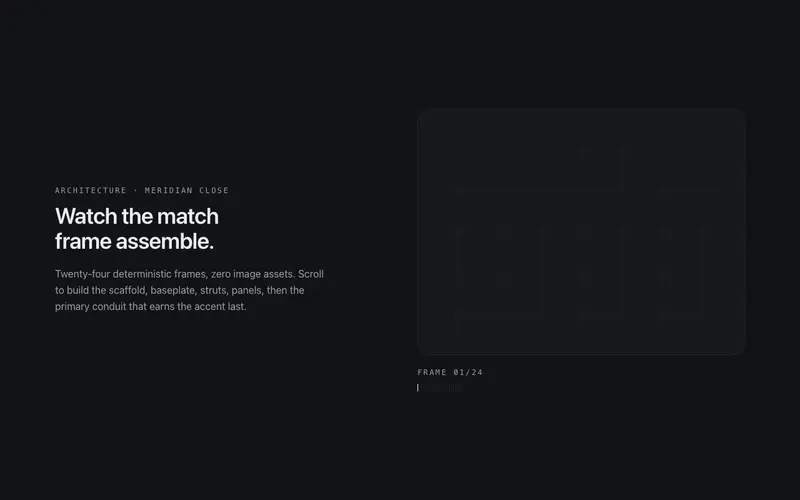
Image Sequence Lite
The Apple scroll-scrub technique without image assets, a token-built SVG diagram assembles across 24 deterministic frames as the section scrolls, every frame a designed still.
Parallax Strata
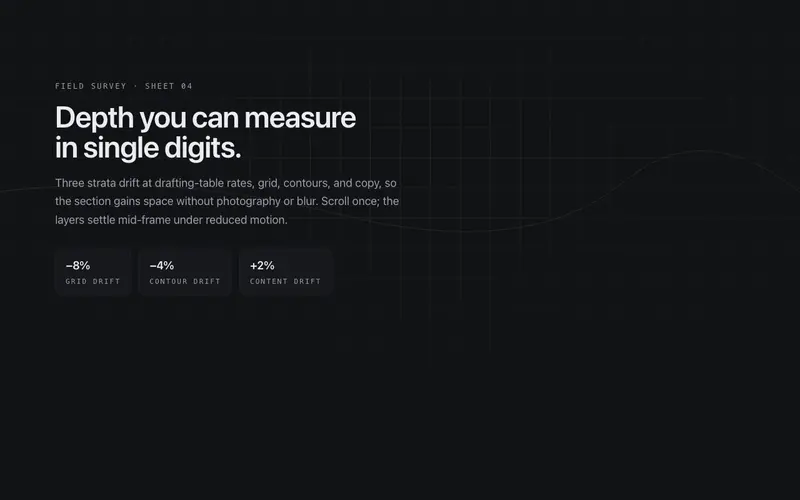
Three drafting-table strata, hairline grid, survey contours, content, drift at gently different rates as the section scrolls, depth measured in single-digit percentages.
Progress Thread
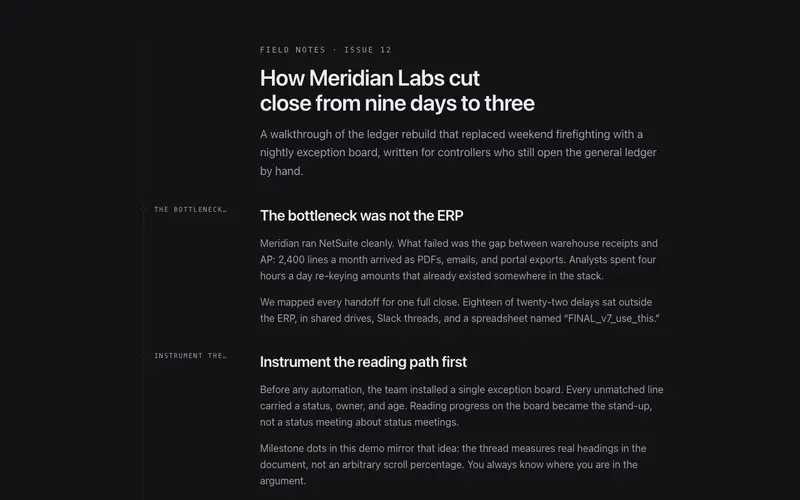
An article wrapper that draws a hairline thread down the content's left edge, filling with primary as you read and ticking a milestone dot at every h2, a reading instrument.
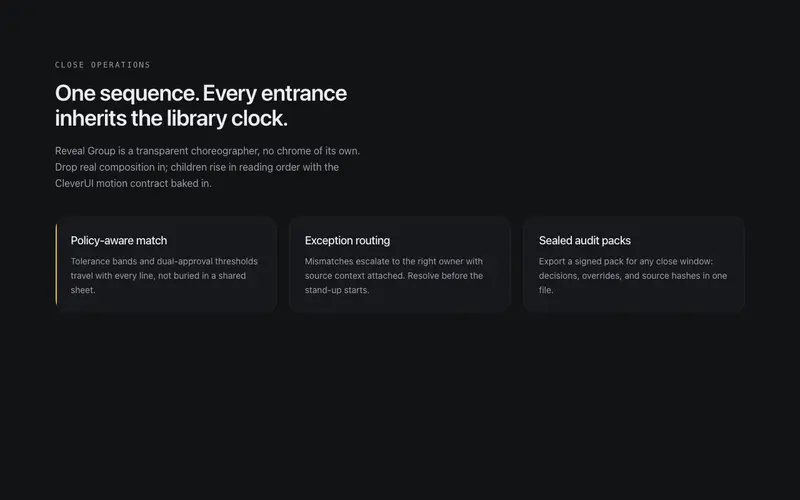
Reveal Group
A choreography wrapper that gives arbitrary children the library's signature staggered entrance, direction, distance and stagger as props, revealed once and never replayed.
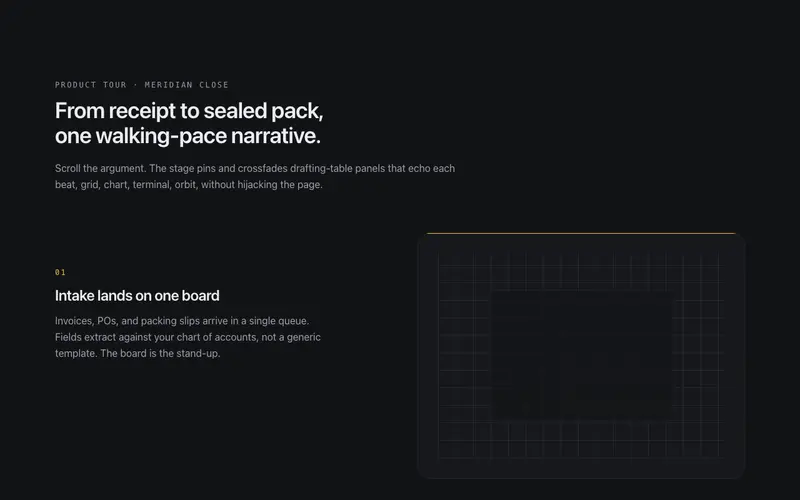
Sticky Scenes
A pinned stage where token-built scene panels crossfade as narrative sections scroll past beside it, sticky storytelling at a walking pace, native scroll throughout.
Frequently asked questions
Do scroll animations cause jank on long pages?
These are built against that: transforms and opacity only, passive scroll listeners or IntersectionObserver, and work gated to the active section. One orchestrated sequence per page is the design intent, they are chapters, not confetti.
What happens for users who prefer reduced motion?
Every component ships a real fallback: content renders in final positions with pinning and parallax disabled, so the page reads as a well-designed static layout. Nothing requires motion to be understood.
How is this category different from the lab scroll systems?
These are self-contained sections you can drop into an existing page. Lab pieces like the scroll director orchestrate an entire page and assume you design around them. Start here; graduate to lab when the page exists to serve the scroll story.