Cinematic Handover
A directed match-cut between two full-bleed React scenes, scroll scrubs a hairline figure that travels and grows from scene A into scene B's focal element. Reversible, Tailwind-themed.
Preview & code
Installation
pnpm dlx shadcn@latest add @cleverui/cinematic-handoverRequires the @cleverui registry in your components.json, a one-off, two-line setup.
Usage
API reference
CinematicHandover accepts the following props.
…plus everything from React.HTMLAttributes<HTMLElement>: className, event handlers, aria attributes and the rest pass straight through.
Referenced types
Related components
Zoom Portal
A React scroll dive through a hairline-framed portal, the frame scales past the camera while the scene inside counter-scales into the new stage. Native scroll, fully reversible, Tailwind-themed.

Dual Axis Chapters
A pinned React stage where one scroll value drives two geared axes, chapters advance vertically while a marker filmstrip slides in counterpoint, with a live mono ratio readout. Tailwind-themed.
Scroll Director
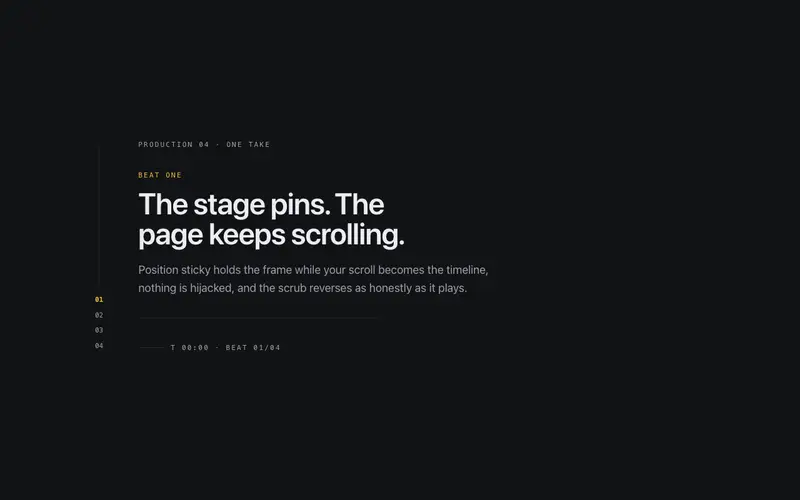
A pinned narrative stage for React, scroll scrubs through choreographed beats on a sticky frame with a cue rail and running timecode, fully reversible and never scroll-jacked. Tailwind-themed.
Sticky Grid Unfold
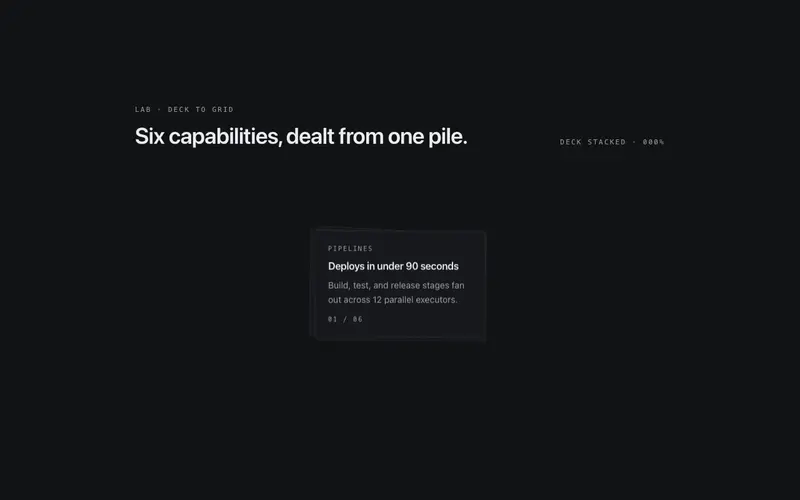
A pinned React deck that unfolds into a ruled grid on scroll, cards travel from a neat pile to their seats as outlines and skeleton lines draw in, fully reversible. Seeded, Tailwind-themed.

Mask Wipe Kit
A two-panel wipe stage for React, iris, blinds, split, or sweep mask geometry scrubbed by scroll or a progress prop, a primary keyline on the wipe front. Tailwind-themed, reduced-motion honest.

Scroll Sequence Kit
An honest scrubbed frame sequence for React, canvas plays a deterministic procedural wireframe, or consumer frame URLs through a decode-ahead pipeline, driven by native scroll. Tailwind-themed.
Frequently asked questions
How do I install the Cinematic Handover component?
Register the @cleverui registry in your components.json ("@cleverui": "https://cleverops.com.au/r/{name}.json"), then run `npx shadcn@latest add @cleverui/cinematic-handover`. The shadcn CLI copies the source into your project, you own the code from that point. You can also copy the source directly from this page.
What dependencies does Cinematic Handover require?
Cinematic Handover has no npm dependencies beyond React and Tailwind CSS itself, so there is nothing extra to install or keep updated.
Can I theme Cinematic Handover to match my brand?
Yes. The component is styled entirely with Tailwind utilities over standard design tokens (primary, background, muted, border), so it inherits your existing shadcn/ui theme automatically. Change your CSS variables and the component follows, no source edits needed for palette, radius, or fonts.
Want this built for you?
CleverUI is built by the Clever Ops web team. If you'd rather ship a hand-coded, fast, custom website than assemble one, we build them for Australian businesses every week.
Explore web development services