Free React Banner & Announcement Components
Banners are the highest-interruption element on a page, so each of these earns its pixels: a quiet cookie notice that does not hijack the viewport, a changelog toast for shipping teams, a countdown rail for launches, an update prompt for stale tabs, and a preview-mode strip for CMS drafts. All are dismissible, keyboard accessible, and sized to stay out of the way, announcement UI that respects the person reading.
6 components · MIT licensed · installable with the shadcn CLI
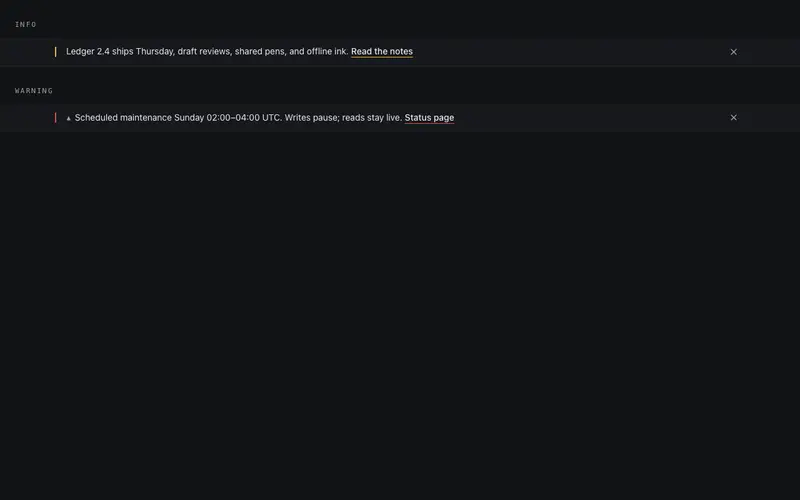
Announce Banner
Top-of-page announcement bar, one line, one link, one dismiss. Height collapses shut on a callback-driven dismiss, with info and warning variants in honest primary and destructive tokens.
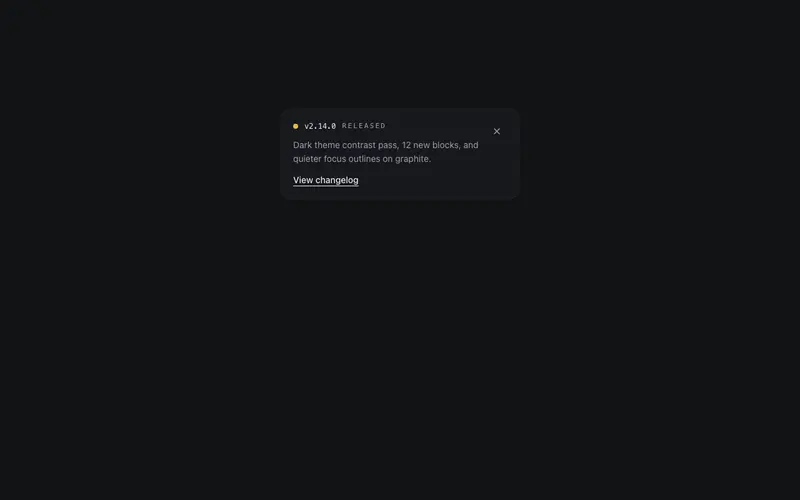
Changelog Toast
A corner toast announcing a release, version in mono, a one-line note, and a view link. Enters after a set delay, dismisses through a callback, appears instantly under reduced motion.
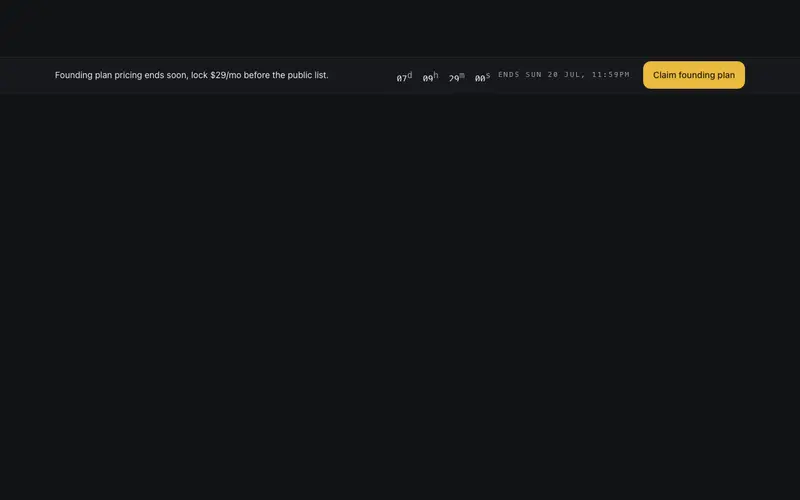
Countdown Rail Banner
Slim offer rail, one line of copy, an inline mini countdown that rolls its digits, a preformatted end label, and a single CTA. Urgency at strip scale, whisper volume.
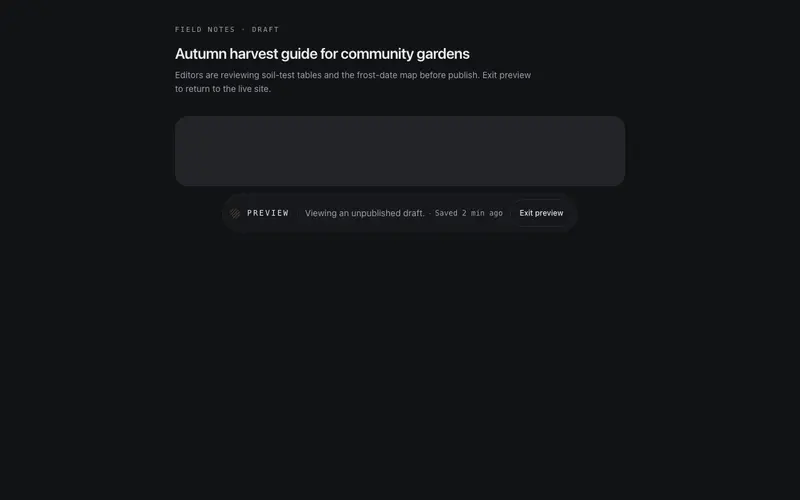
Preview Mode Banner
Floating preview-mode pill for React sites, hatched draft swatch, mono PREVIEW label, save meta, and a real Exit button. A fixed Tailwind-token capsule; dismissal causes zero layout shift.
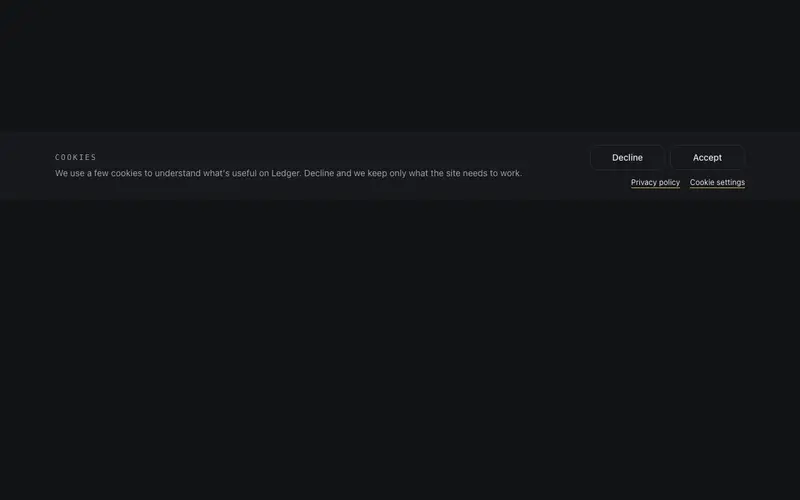
Quiet Cookie Banner
A consent bar without dark patterns, plain-language copy, a Decline button styled exactly equal to Accept, and a quiet policy links row, docked to the bottom edge.
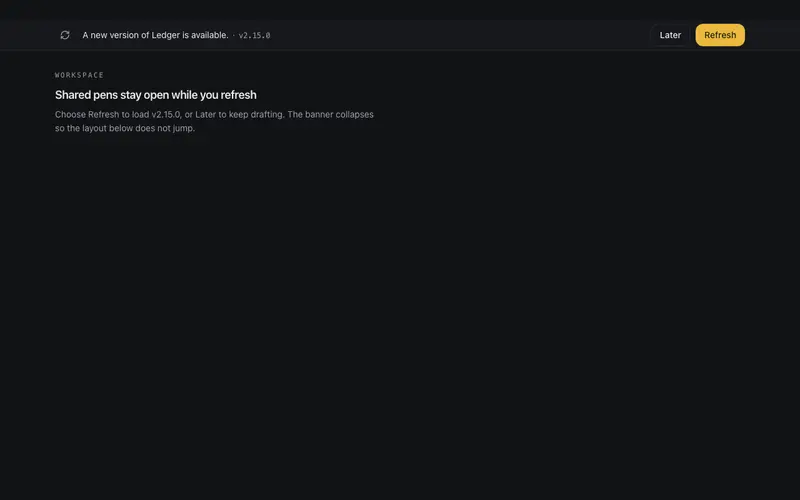
Update Prompt Banner
New-version banner for React apps, one line, a mono version tag, and honest paired Refresh and Later buttons. Height animates shut on dismiss so the Tailwind layout never jumps.
Frequently asked questions
Do the banners remember when a visitor dismisses them?
The components expose an onDismiss callback and a controlled visibility prop; persisting the choice to localStorage or a cookie is a two-line addition shown in each demo. Nothing is stored automatically, so you stay in control of consent logic.
Is the cookie banner GDPR-compliant out of the box?
It gives you a compliant-friendly pattern, clear copy, real accept/decline actions, no dark patterns, but compliance depends on what your site actually loads before consent. Wire the callbacks to your tag manager and review with your own policy.
Where should banners sit in my layout?
Announcement and countdown banners belong above the navbar in document order; toasts and update prompts render in a portal-free fixed position you control. All variants avoid layout shift by reserving height or floating.