Terminal Hero
Split hero where a terminal card runs your product's happy path, typed command, streamed result rows, settled status line. Copy left, proof-of-work right.
Preview & code
Installation
pnpm dlx shadcn@latest add @cleverui/hero-terminalRequires the @cleverui registry in your components.json, a one-off, two-line setup.
Usage
API reference
HeroTerminal accepts the following props.
…plus everything from React.HTMLAttributes<HTMLElement>: className, event handlers, aria attributes and the rest pass straight through.
Referenced types
Related components
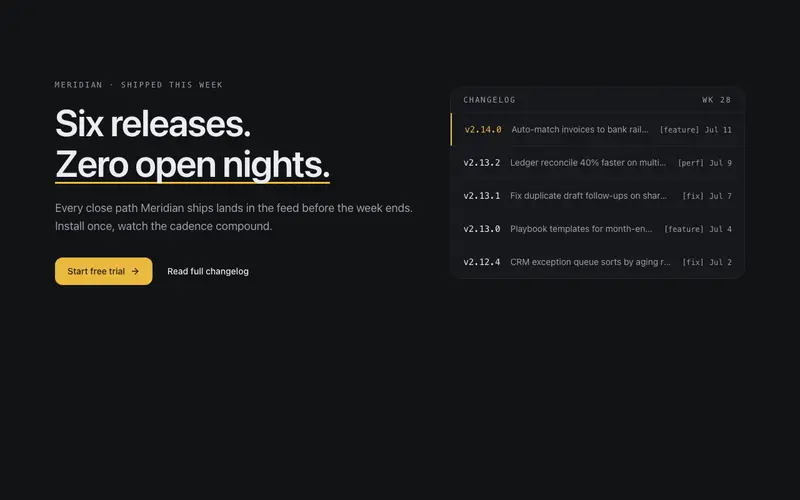
Changelog Hero
What-shipped-this-week hero for dev tools, headline beside a live-feeling release feed panel of mono version tags and dated rows, one release highlighted. Momentum as the pitch.

Aurora Hero
Hero section with a drafting-grid backdrop, slow accent-tinted aurora, and a staggered editorial reveal. Left-aligned, themeable, reduced-motion safe.
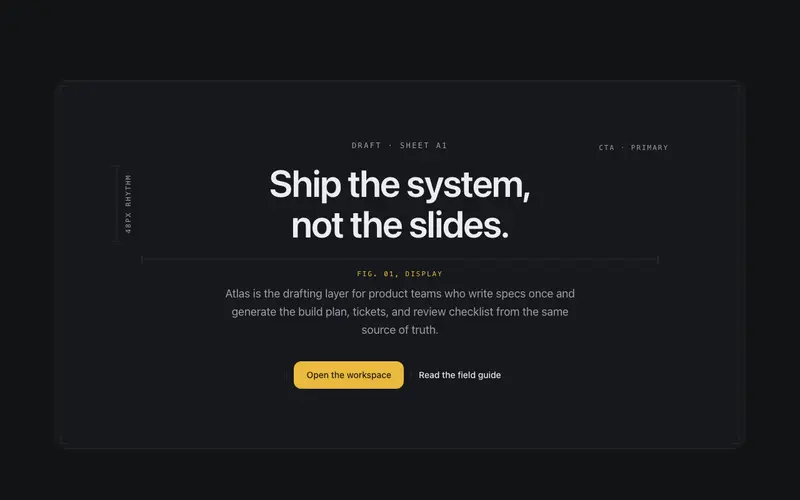
Blueprint Hero
Hero where the headline is annotated like a technical drawing, SVG dimension lines and mono measurement labels draw themselves around the display type.
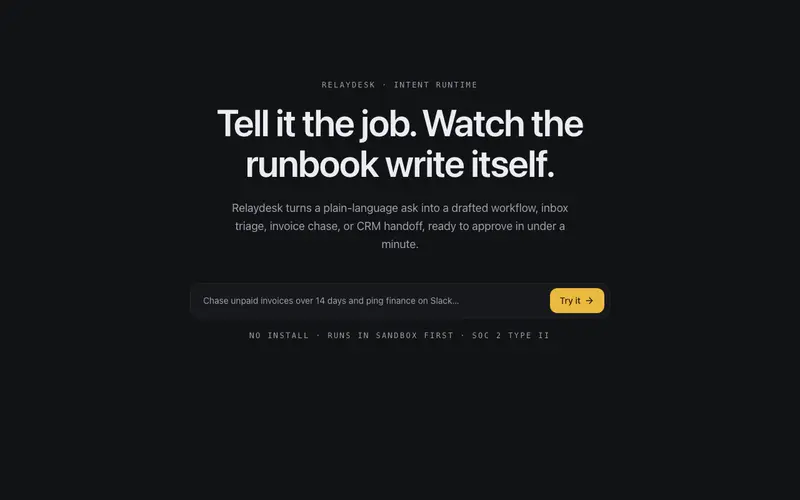
Intent Prompt Hero
Hero built around a single prompt field, the placeholder cycles through real use-cases as ghost text, and the submit action is the page's one accent. Conversion by invitation.
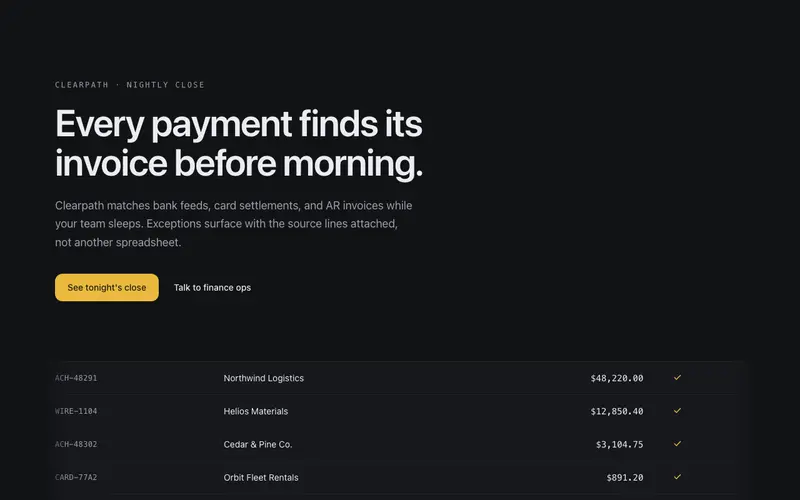
Ledger Hero
Editorial hero over a live ledger strip, transaction rows tick in and reconcile beneath the headline, numbers settling one by one. The product working, as atmosphere.
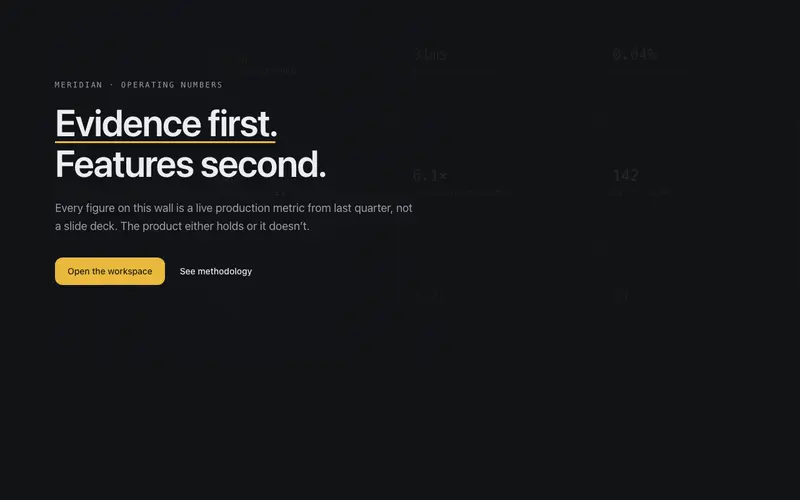
Metric Wall Hero
Hero whose backdrop is a faint wall of the product's own numbers, a mono grid of stats at whisper alpha with one column resolving to full ink, the headline set over the evidence.
Frequently asked questions
How do I install the Terminal Hero component?
Register the @cleverui registry in your components.json ("@cleverui": "https://cleverops.com.au/r/{name}.json"), then run `npx shadcn@latest add @cleverui/hero-terminal`. The shadcn CLI copies the source into your project, you own the code from that point. You can also copy the source directly from this page.
What dependencies does Terminal Hero require?
Terminal Hero uses motion and lucide-react on top of React and Tailwind CSS. You don't need to install them manually, the shadcn CLI resolves and installs npm dependencies automatically when you add the component.
Can I theme Terminal Hero to match my brand?
Yes. The component is styled entirely with Tailwind utilities over standard design tokens (primary, background, muted, border), so it inherits your existing shadcn/ui theme automatically. Change your CSS variables and the component follows, no source edits needed for palette, radius, or fonts.
Want this built for you?
CleverUI is built by the Clever Ops web team. If you'd rather ship a hand-coded, fast, custom website than assemble one, we build them for Australian businesses every week.
Explore web development services