Projection Booth Hero
Film threads the projector, the ribbon snakes reel to reel through rollers and gate, the lamp swells, and a light cone installs the media panel as a held first frame. React and Tailwind tokens.
Preview & code
Installation
pnpm dlx shadcn@latest add @cleverui/hero-projection-boothRequires the @cleverui registry in your components.json, a one-off, two-line setup.
Usage
API reference
HeroProjectionBooth accepts the following props.
…plus everything from React.HTMLAttributes<HTMLElement>: className, event handlers, aria attributes and the rest pass straight through.
Related components
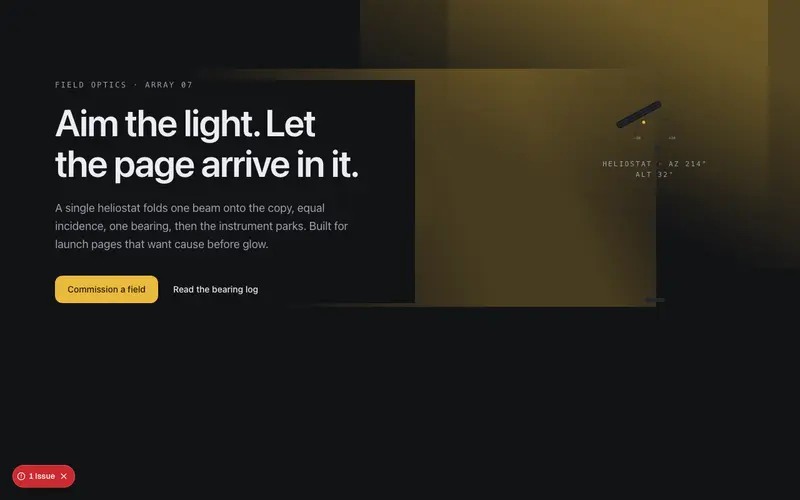
Heliostat Hero
A hairline mirror tilts on its mast and folds one beam of light onto the page, illuminating the copy as it arrives, a directed-light entrance for React and Tailwind heroes.
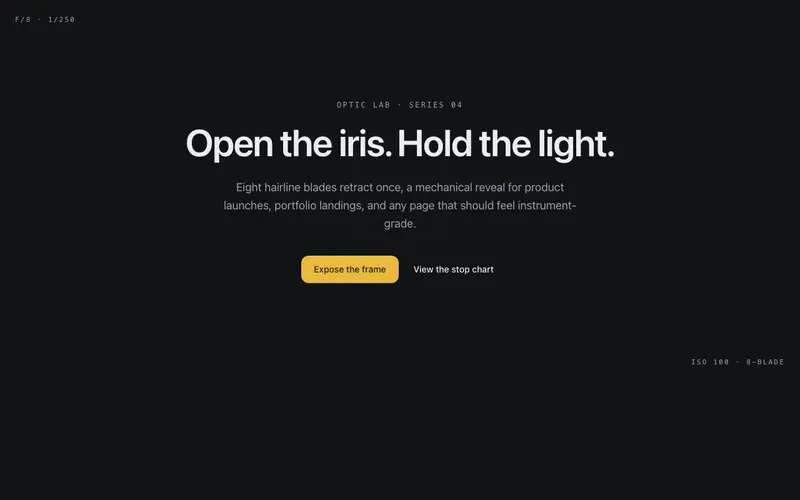
Aperture Hero
A camera iris of hairline blades opens once to reveal the hero, leaving a faint aperture ring behind the copy, an optical-instrument entrance for React and Tailwind sites.
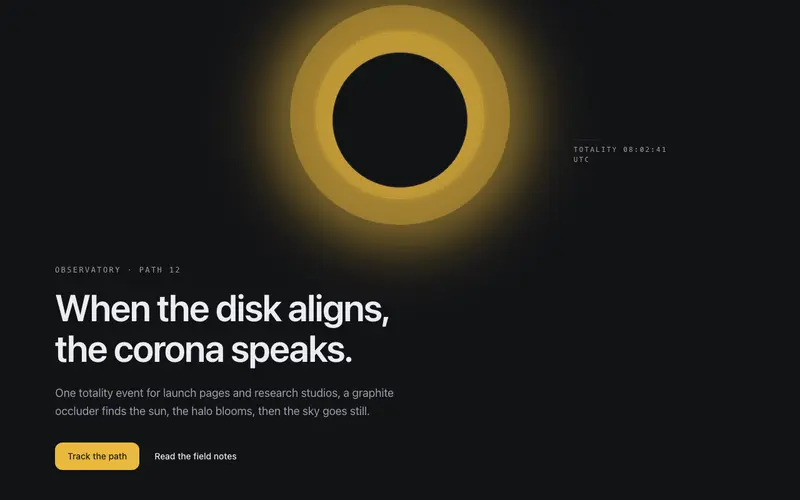
Eclipse Hero
A graphite disk slides into alignment and the corona blooms, a totality entrance where the headline surfaces in eclipse light. React hero section themed by Tailwind tokens.
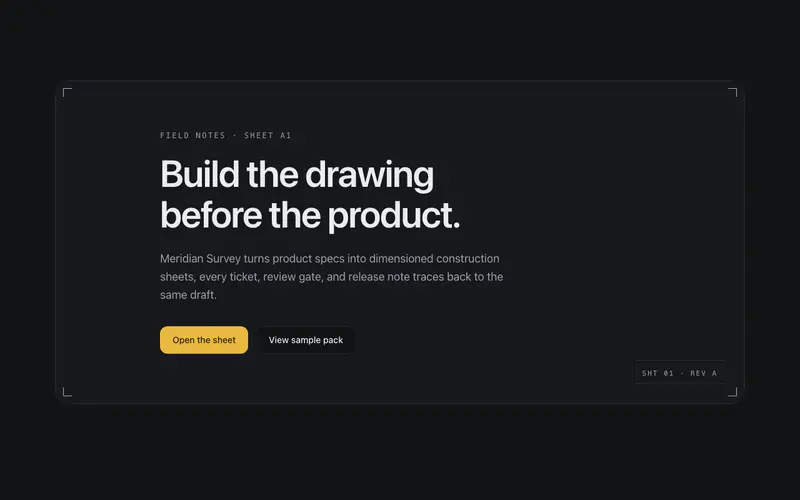
Frame Assembly Hero
The blueprint sheet builds itself, corner ticks fly in, frame hairlines draw, the title block stamps, then content settles into the finished drawing. Construction as choreography, once.
Glassworks Hero
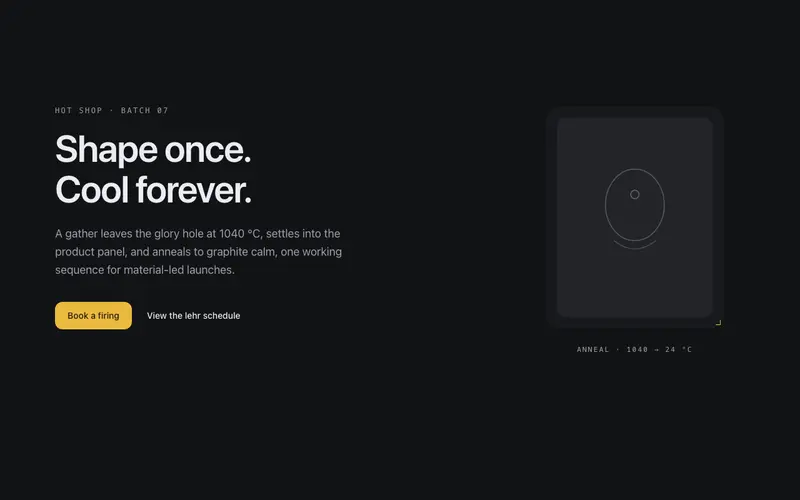
A molten gather glows at the pipe, is shaped into the product panel, and anneals, primary heat decaying to graphite calm on a pyrometer countdown. A glassblowing entrance for React and Tailwind.
Ink Bloom Hero
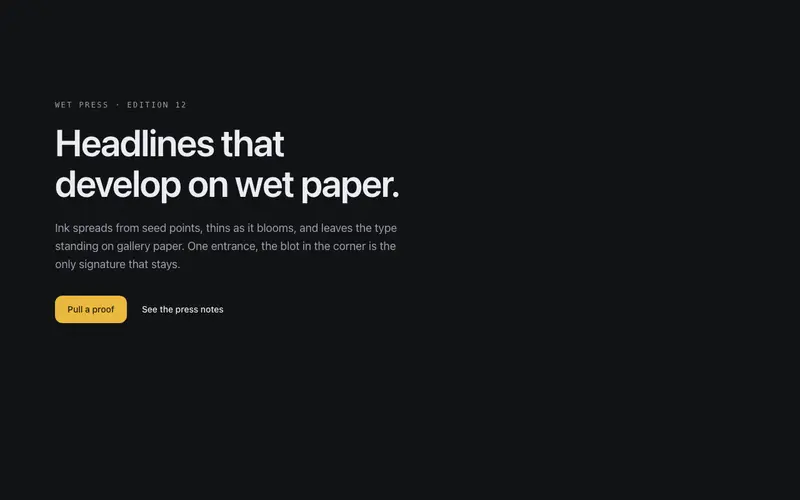
Ink blooms across the page on arrival, organic blots spread from seed points and the headline surfaces through them, like type developing on wet paper.
Frequently asked questions
How do I install the Projection Booth Hero component?
Register the @cleverui registry in your components.json ("@cleverui": "https://cleverops.com.au/r/{name}.json"), then run `npx shadcn@latest add @cleverui/hero-projection-booth`. The shadcn CLI copies the source into your project, you own the code from that point. You can also copy the source directly from this page.
What dependencies does Projection Booth Hero require?
Projection Booth Hero uses motion on top of React and Tailwind CSS. You don't need to install it manually, the shadcn CLI resolves and installs npm dependencies automatically when you add the component.
Can I theme Projection Booth Hero to match my brand?
Yes. The component is styled entirely with Tailwind utilities over standard design tokens (primary, background, muted, border), so it inherits your existing shadcn/ui theme automatically. Change your CSS variables and the component follows, no source edits needed for palette, radius, or fonts.
Want this built for you?
CleverUI is built by the Clever Ops web team. If you'd rather ship a hand-coded, fast, custom website than assemble one, we build them for Australian businesses every week.
Explore web development services