String Art
The headline built as string art, pins tap in along real glyph outlines and one continuous thread chords them until the word reads. React canvas text effect themed by Tailwind tokens.
Preview & code
Installation
pnpm dlx shadcn@latest add @cleverui/text-string-artRequires the @cleverui registry in your components.json, a one-off, two-line setup.
Usage
API reference
TextStringArt accepts the following props.
…plus everything from React.HTMLAttributes<HTMLElement>: className, event handlers, aria attributes and the rest pass straight through.
Related components
Dot Matrix Print
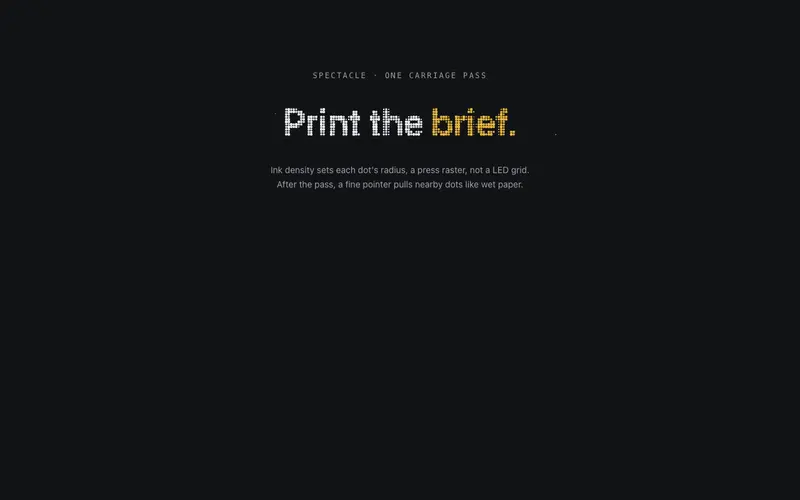
The headline prints as a dot-matrix raster, a carriage sweeps once and canvas dots sized by ink density pop in column by column. React and Tailwind tokens via probes; one accent word in primary.
Frottage Rubbing
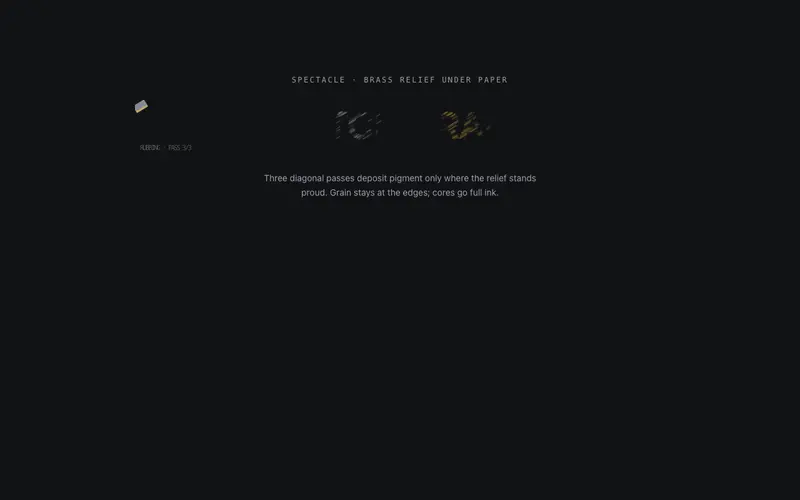
A graphite rubbing over hidden relief, crayon passes sweep the sheet and the React headline surfaces where pigment catches. Canvas text effect themed by Tailwind token probes.
Compositor's Case
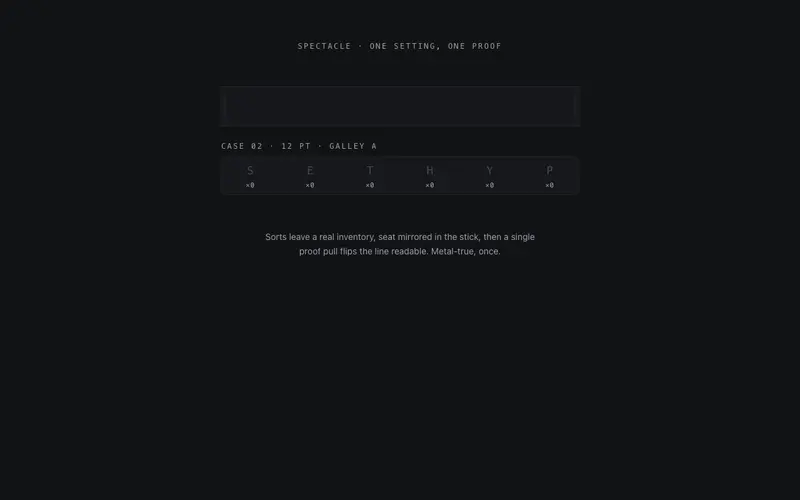
Type set from a visible case, sorts fly from their compartments, land mirrored in the composing stick, and one proof pull flips the React headline readable. Tailwind-token letterpress craft.
Ink Bleed
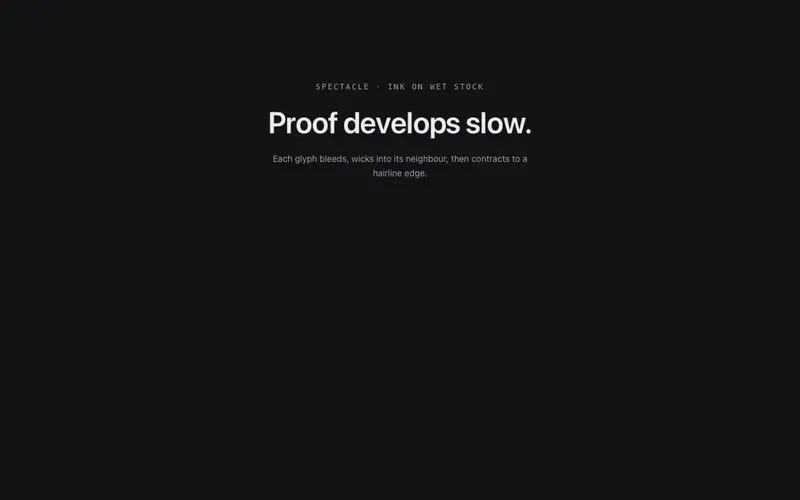
Letters develop like ink on wet paper, each glyph starts as a soft bleed and contracts to crisp edges, neighbouring bleeds wicking together mid-pass. One development, then stillness.
Kinetic Type Wall
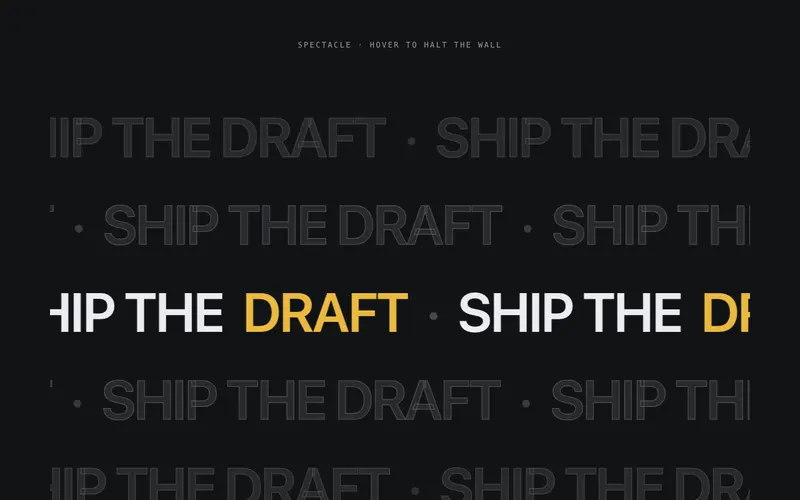
Editorial kinetic type wall for React, outline echoes of the headline drift in alternating directions while one inked row carries the accent word. Tailwind-token themed; hover eases it to a halt.
Neon Bend
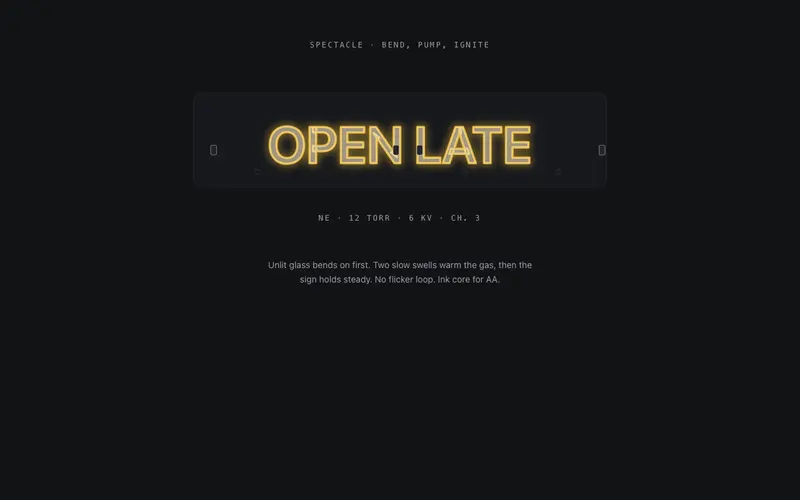
The tube bends first, unlit glass traces the headline stroke by stroke, gas ignites in a slow warm-up, and the React neon sign settles steady in Tailwind-token primary glow with an ink core.
Frequently asked questions
How do I install the String Art component?
Register the @cleverui registry in your components.json ("@cleverui": "https://cleverops.com.au/r/{name}.json"), then run `npx shadcn@latest add @cleverui/text-string-art`. The shadcn CLI copies the source into your project, you own the code from that point. You can also copy the source directly from this page.
What dependencies does String Art require?
String Art has no npm dependencies beyond React and Tailwind CSS itself, so there is nothing extra to install or keep updated.
Can I theme String Art to match my brand?
Yes. The component is styled entirely with Tailwind utilities over standard design tokens (primary, background, muted, border), so it inherits your existing shadcn/ui theme automatically. Change your CSS variables and the component follows, no source edits needed for palette, radius, or fonts.
Want this built for you?
CleverUI is built by the Clever Ops web team. If you'd rather ship a hand-coded, fast, custom website than assemble one, we build them for Australian businesses every week.
Explore web development services