Parallax Strata
Three drafting-table strata, hairline grid, survey contours, content, drift at gently different rates as the section scrolls, depth measured in single-digit percentages.
Preview & code
Installation
pnpm dlx shadcn@latest add @cleverui/scroll-parallax-strataRequires the @cleverui registry in your components.json, a one-off, two-line setup.
Usage
API reference
ScrollParallaxStrata accepts the following props.
…plus everything from React.HTMLAttributes<HTMLElement>: className, event handlers, aria attributes and the rest pass straight through.
Related components
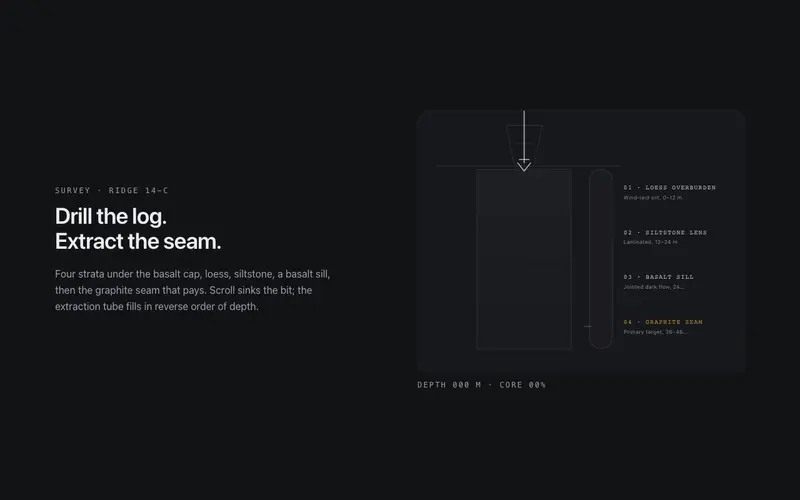
Core Sample
Scroll drills a core sample through labeled strata, the bit sinks, the extraction tube fills layer by layer, and a depth log counts to the primary seam. React and Tailwind tokens, no assets.
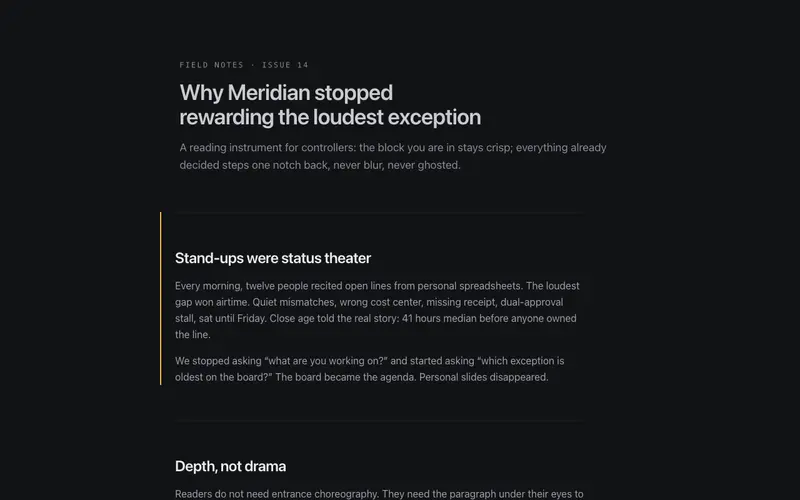
Depth Fade
A long-form wrapper where blocks you have read past gently recede in opacity and scale, keeping the active block crisp, reading focus as depth, clamped so text never goes illegible.

Chapter Snap
Full-viewport chapters with CSS proximity scroll-snap, never a mandatory trap, and a side rail of dots with mono numerals that tracks the active chapter through honest anchor links.
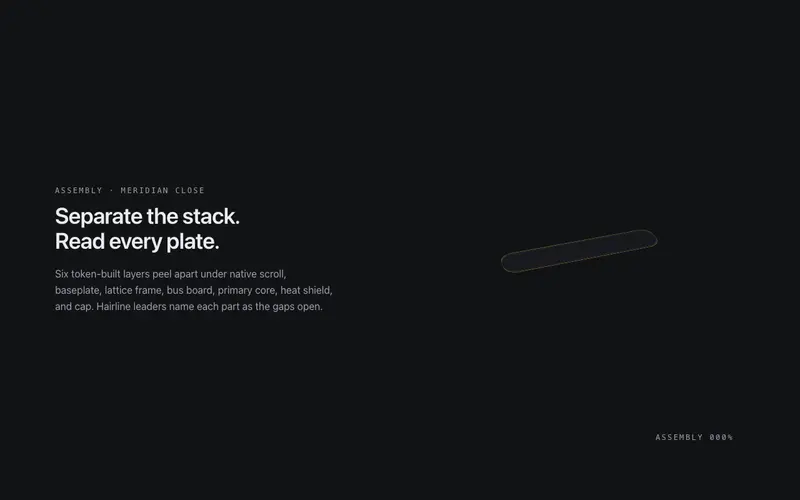
Exploded View
A pinned exploded-view scene for React, scroll separates a token-built 3D assembly into labeled plates with hairline leader lines, zero image assets. Native scroll, Tailwind-themed, poster-safe.

Gearworks
Scroll cranks a meshed SVG gear train, exact tooth ratios counter-rotate hairline gears until the primary dial needle lands on your stat. React and Tailwind tokens, native scroll scrub, no assets.

Horizontal Gallery
A vertical-scroll-driven horizontal track inside a sticky clipped viewport, translateX mapped to section progress, focusable cards, and a plain scrollable rail under reduced motion.
Frequently asked questions
How do I install the Parallax Strata component?
Register the @cleverui registry in your components.json ("@cleverui": "https://cleverops.com.au/r/{name}.json"), then run `npx shadcn@latest add @cleverui/scroll-parallax-strata`. The shadcn CLI copies the source into your project, you own the code from that point. You can also copy the source directly from this page.
What dependencies does Parallax Strata require?
Parallax Strata uses motion on top of React and Tailwind CSS. You don't need to install it manually, the shadcn CLI resolves and installs npm dependencies automatically when you add the component.
Can I theme Parallax Strata to match my brand?
Yes. The component is styled entirely with Tailwind utilities over standard design tokens (primary, background, muted, border), so it inherits your existing shadcn/ui theme automatically. Change your CSS variables and the component follows, no source edits needed for palette, radius, or fonts.
Want this built for you?
CleverUI is built by the Clever Ops web team. If you'd rather ship a hand-coded, fast, custom website than assemble one, we build them for Australian businesses every week.
Explore web development services