Funds Allocation Band
Where your dollar goes, a nonprofit transparency bar in React with seam-cut segments, a plain-language Tailwind ledger legend and an audited-statements footnote.
Preview & code
Installation
pnpm dlx shadcn@latest add @cleverui/funds-allocation-bandRequires the @cleverui registry in your components.json, a one-off, two-line setup.
Usage
API reference
FundsAllocationBand accepts the following props.
…plus everything from React.HTMLAttributes<HTMLElement>: className, event handlers, aria attributes and the rest pass straight through.
Referenced types
Related components
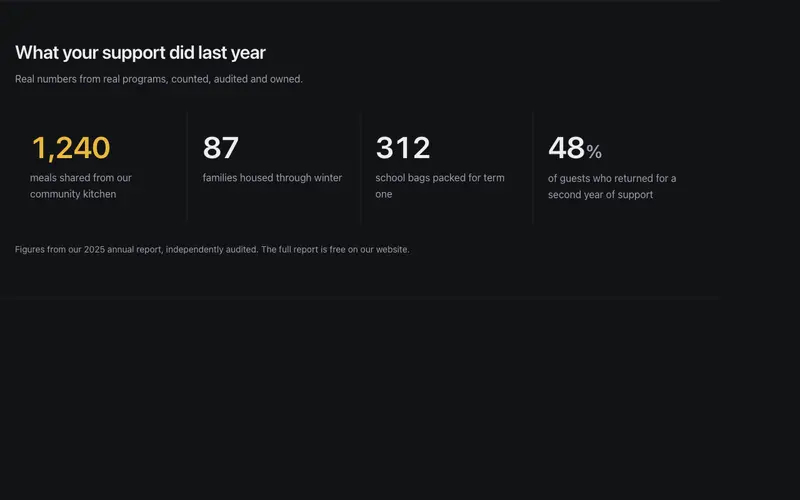
Impact Stat Band
A nonprofit impact band in React, concrete figures like 1,240 meals counting up once in tabular numerals over warm sentence labels, closed by an audited source line. Tailwind-set.
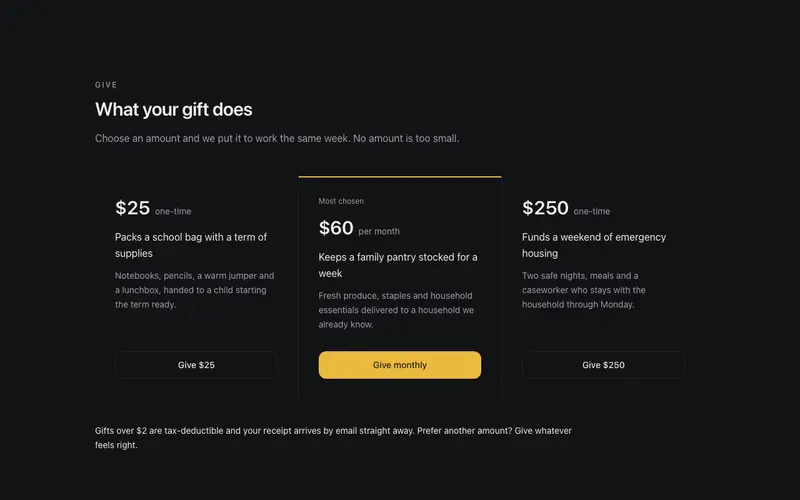
Donation Tier Grid
Honest donation tiers in a seamed React grid, preformatted amounts bound to concrete outcomes, nothing preselected, no guilt copy, one quiet accent. Tailwind, dark-pattern-free.
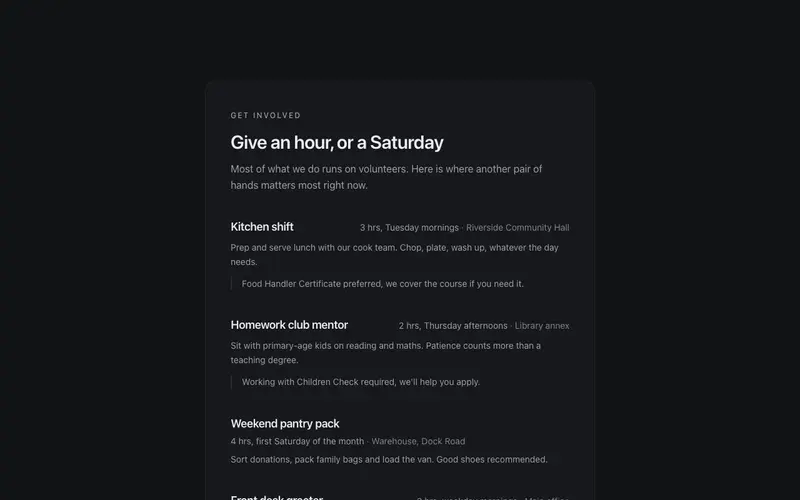
Volunteer Roles Panel
A volunteer get-involved panel in React, real roles with honest time commitments, plain requirements, a training reassurance and one direct sign-up action. Warm Tailwind, no guilt.
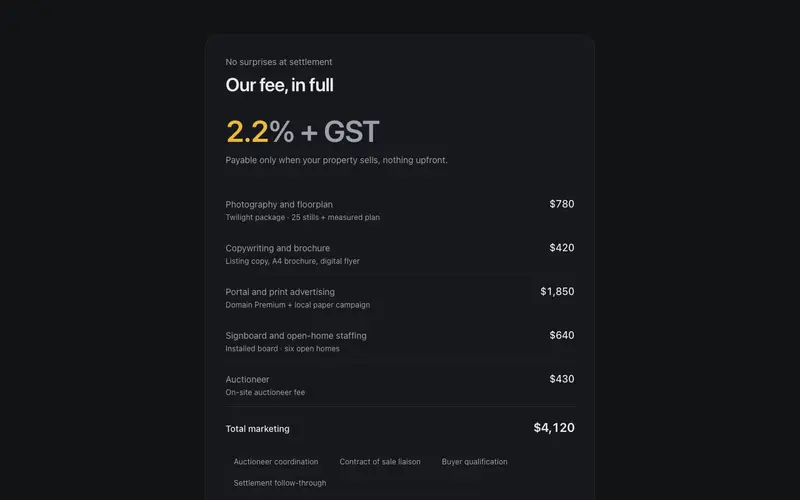
Commission Breakdown Sheet
Agent fees in full view, commission rate as the hero figure, itemised campaign costs in a ruled Tailwind ledger, and a payable-at-settlement note. React transparency block.
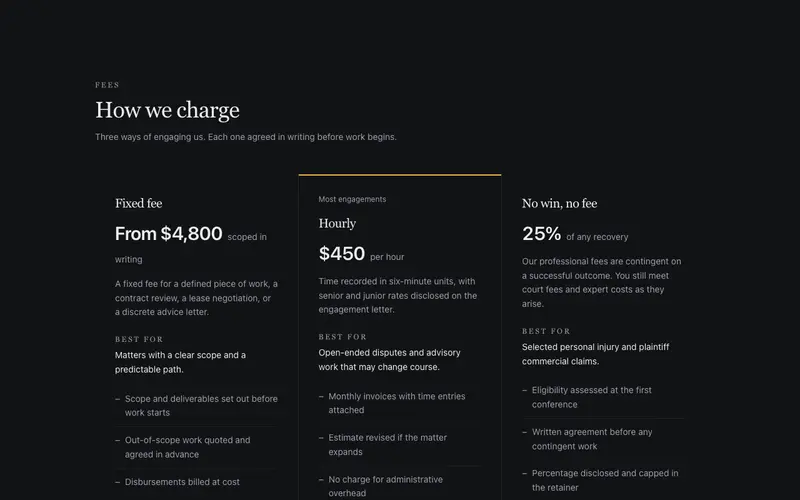
Fee Structure Sheet
A law firm fee disclosure sheet, fixed, hourly and no-win-no-fee columns with plain-English terms and honest figures. React and Tailwind, zero pricing-card urgency.
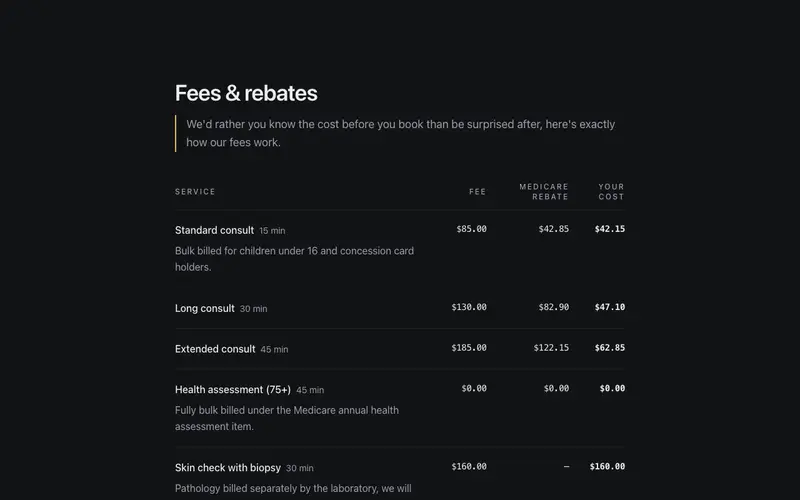
Fees & Rebates
An honest fee transparency table, consult fee, Medicare rebate, and the out-of-pocket gap in true table semantics with tabular figures. React and Tailwind disclosure for clinics.
Frequently asked questions
How do I install the Funds Allocation Band component?
Register the @cleverui registry in your components.json ("@cleverui": "https://cleverops.com.au/r/{name}.json"), then run `npx shadcn@latest add @cleverui/funds-allocation-band`. The shadcn CLI copies the source into your project, you own the code from that point. You can also copy the source directly from this page.
What dependencies does Funds Allocation Band require?
Funds Allocation Band uses motion on top of React and Tailwind CSS. You don't need to install it manually, the shadcn CLI resolves and installs npm dependencies automatically when you add the component.
Can I theme Funds Allocation Band to match my brand?
Yes. The component is styled entirely with Tailwind utilities over standard design tokens (primary, background, muted, border), so it inherits your existing shadcn/ui theme automatically. Change your CSS variables and the component follows, no source edits needed for palette, radius, or fonts.
Want this built for you?
CleverUI is built by the Clever Ops web team. If you'd rather ship a hand-coded, fast, custom website than assemble one, we build them for Australian businesses every week.
Explore web development services