Fee Structure Sheet
A law firm fee disclosure sheet, fixed, hourly and no-win-no-fee columns with plain-English terms and honest figures. React and Tailwind, zero pricing-card urgency.
Preview & code
Installation
pnpm dlx shadcn@latest add @cleverui/fee-structure-sheetRequires the @cleverui registry in your components.json, a one-off, two-line setup.
Usage
API reference
FeeStructureSheet accepts the following props.
…plus everything from React.HTMLAttributes<HTMLElement>: className, event handlers, aria attributes and the rest pass straight through.
Referenced types
Related components
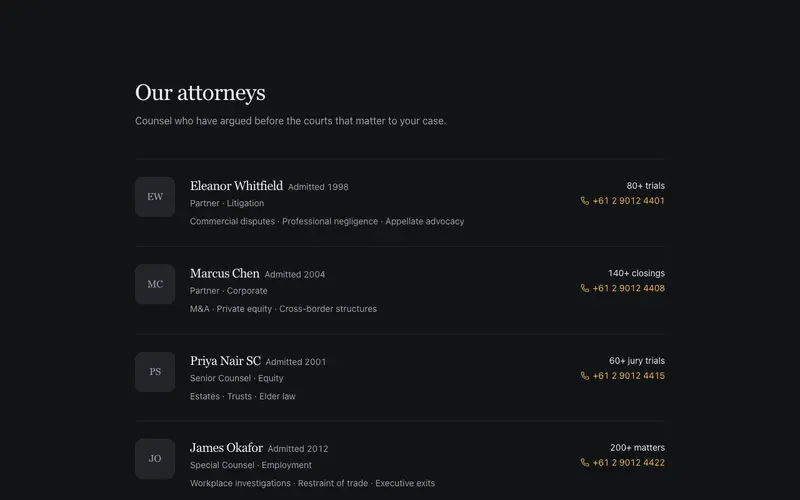
Attorney Profile Rows
A firm directory of horizontal profile rows, serif names with admission years, focus areas in a middot run, matter counts and a direct line. Letterhead gravitas, not cards with badges.
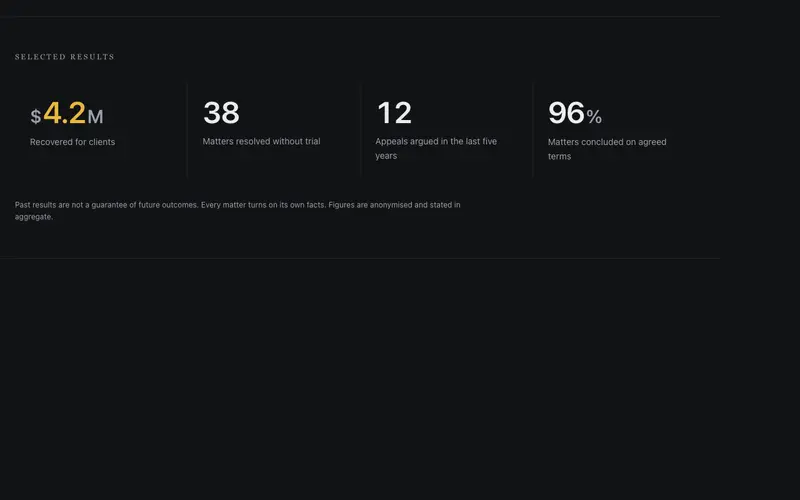
Case Results Band
An anonymized results strip, large tabular outcomes like $4.2M recovered counting up once with measured restraint between hairline seams, over a formal disclaimer line.
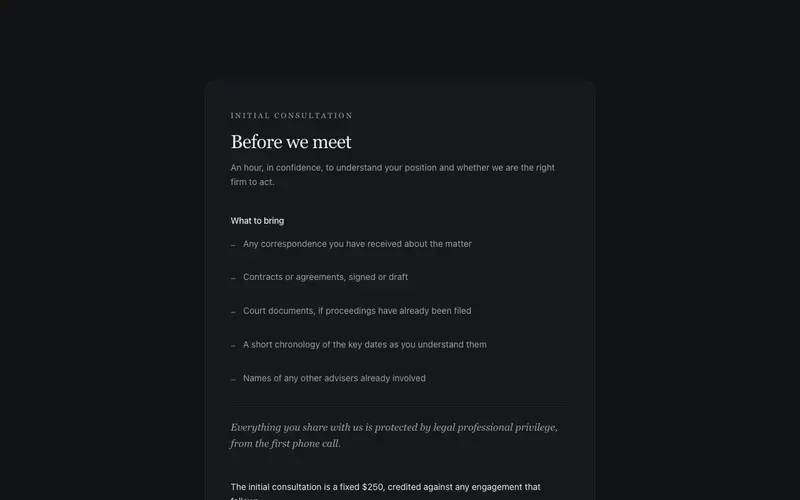
Consultation Intake Panel
An initial-consultation panel, what to bring as a ruled list, a serif-italic confidentiality note, a plain fee line, and one formal action. Nearly still, certain of itself.
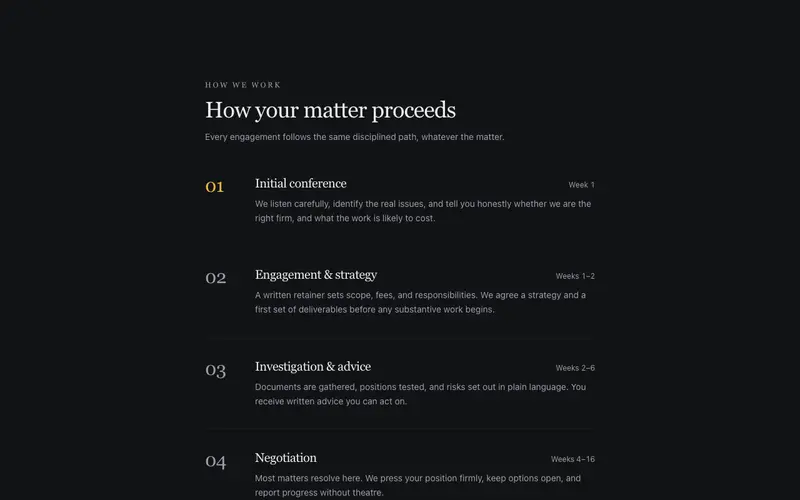
Matter Process Steps
How a legal matter proceeds, numbered serif stages with plain-English descriptions and quiet timeframe figures. A near-still React process block styled with Tailwind.
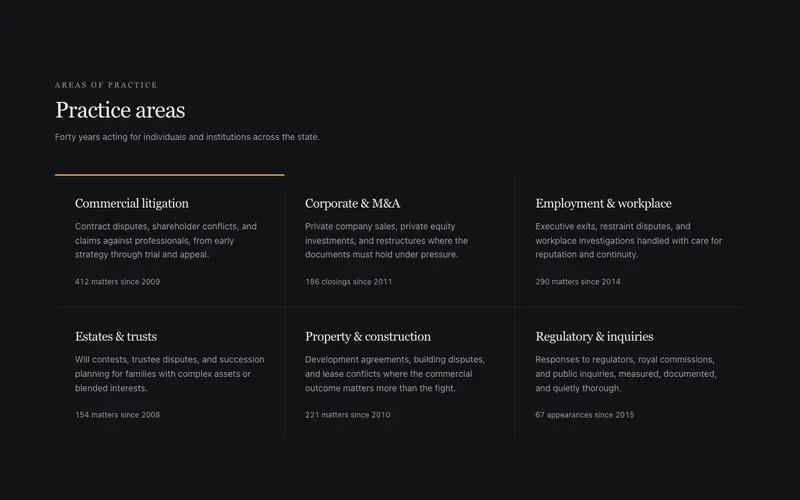
Practice Areas Grid
Practice areas as formal hairline tiles, serif area names, one-sentence plain-English scope lines, and matter counts in quiet tabular figures. Measured, precise, badge-free.
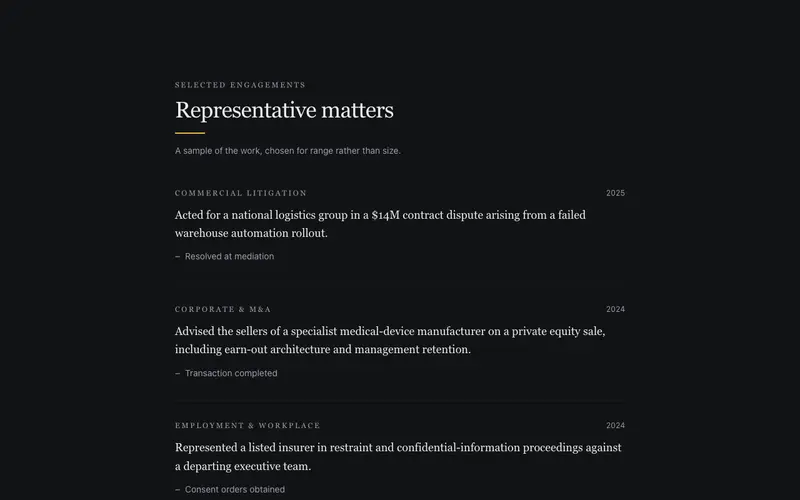
Representative Matters List
Anonymized representative matters in bound-casebook serif, practice-area labels, quiet outcomes and years, and a consent disclaimer. A React proof list styled with Tailwind.
Frequently asked questions
How do I install the Fee Structure Sheet component?
Register the @cleverui registry in your components.json ("@cleverui": "https://cleverops.com.au/r/{name}.json"), then run `npx shadcn@latest add @cleverui/fee-structure-sheet`. The shadcn CLI copies the source into your project, you own the code from that point. You can also copy the source directly from this page.
What dependencies does Fee Structure Sheet require?
Fee Structure Sheet uses motion on top of React and Tailwind CSS. You don't need to install it manually, the shadcn CLI resolves and installs npm dependencies automatically when you add the component.
Can I theme Fee Structure Sheet to match my brand?
Yes. The component is styled entirely with Tailwind utilities over standard design tokens (primary, background, muted, border), so it inherits your existing shadcn/ui theme automatically. Change your CSS variables and the component follows, no source edits needed for palette, radius, or fonts.
Want this built for you?
CleverUI is built by the Clever Ops web team. If you'd rather ship a hand-coded, fast, custom website than assemble one, we build them for Australian businesses every week.
Explore web development services