Transformation Strip
Member results told in numbers and words, not photos, huge stat deltas (kg down, weeks in, PB kg added) with a quote snippet each. No body imagery; inclusive by design.
Preview & code
Installation
pnpm dlx shadcn@latest add @cleverui/transformation-stripRequires the @cleverui registry in your components.json, a one-off, two-line setup.
Usage
API reference
TransformationStrip accepts the following props.
…plus everything from Omit<React.HTMLAttributes<HTMLElement>, 'results'>: className, event handlers, aria attributes and the rest pass straight through.
Referenced types
Related components
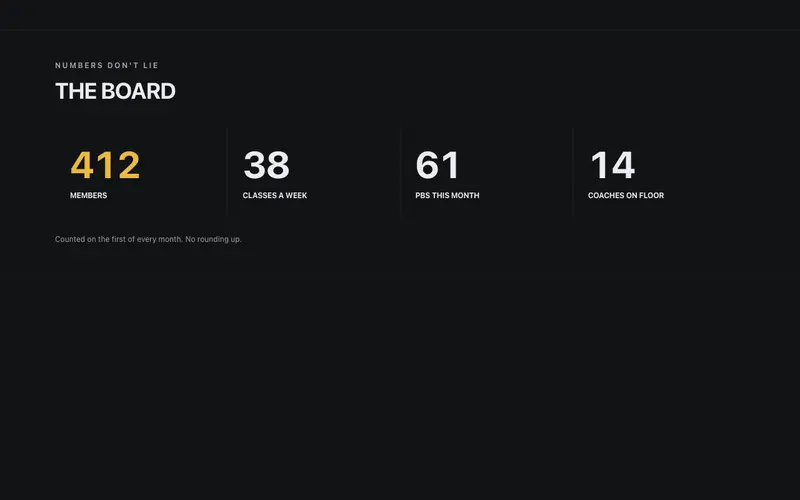
Gym Stats Board
The gym's numbers board, members, classes a week, and PBs this month counting up in heavy tabular figures under bold condensed labels, with a plain-spoken honesty footnote.
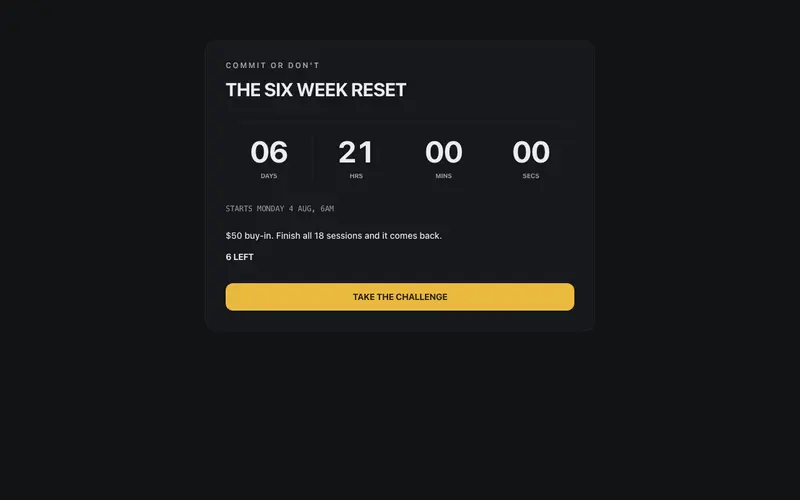
Challenge Countdown Panel
A gym challenge block that starts the clock, bold condensed challenge name, an SSR-safe rolling countdown to a prop-driven start date, stakes line and spots left. React and Tailwind.

Class Timetable
A weekly timetable with gym-wall energy, bold condensed class names, mono start times, coach lines, five-dot intensity marks, and a spots-left state that makes you book now.
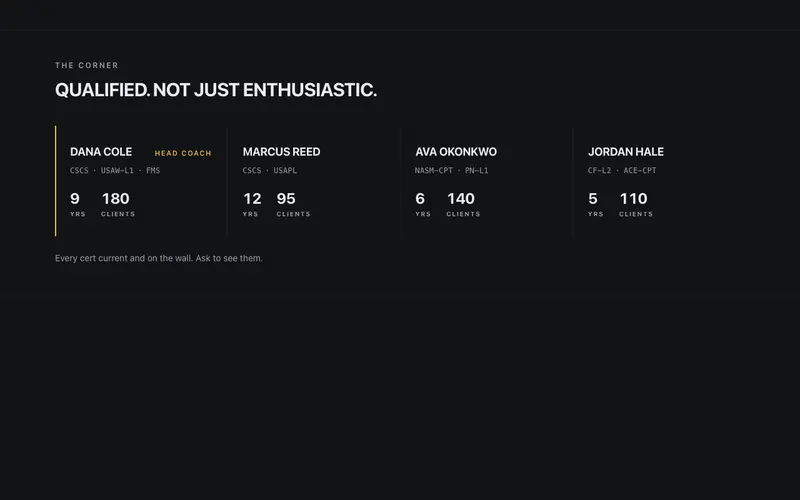
Coach Cred Strip
A certifications strip that treats coaching credentials as data, cert codes in mono with sr-only expansions, years and clients in tabular figures, and one lead-coach keyline.
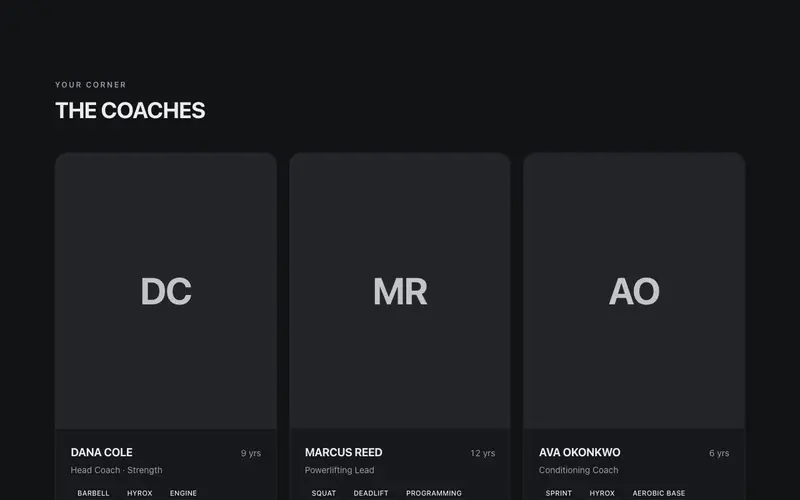
Coach Roster
Trainer cards with a coach's confidence, bold uppercase names over structural portrait panels, specialty chips, certifications as mono marks, and a book-your-intro CTA per card.
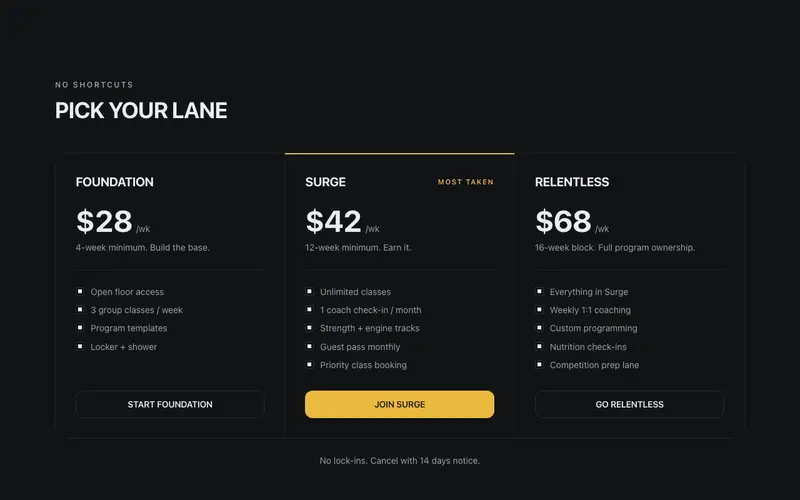
Membership Tiers
Gym pricing in the coach's voice, bold uppercase tier names like FOUNDATION and SURGE, per-week prices in big tabular figures, commitment notes, and a ruled ledger with zero glow.
Frequently asked questions
How do I install the Transformation Strip component?
Register the @cleverui registry in your components.json ("@cleverui": "https://cleverops.com.au/r/{name}.json"), then run `npx shadcn@latest add @cleverui/transformation-strip`. The shadcn CLI copies the source into your project, you own the code from that point. You can also copy the source directly from this page.
What dependencies does Transformation Strip require?
Transformation Strip uses motion on top of React and Tailwind CSS. You don't need to install it manually, the shadcn CLI resolves and installs npm dependencies automatically when you add the component.
Can I theme Transformation Strip to match my brand?
Yes. The component is styled entirely with Tailwind utilities over standard design tokens (primary, background, muted, border), so it inherits your existing shadcn/ui theme automatically. Change your CSS variables and the component follows, no source edits needed for palette, radius, or fonts.
Want this built for you?
CleverUI is built by the Clever Ops web team. If you'd rather ship a hand-coded, fast, custom website than assemble one, we build them for Australian businesses every week.
Explore web development services