How a Job Runs
The job pipeline set plain, quote, schedule, work, walkthrough, with big numerals, a one-line promise per step, and response-time chips. No jargon, no mystery, no surprises on the invoice.
Preview & code
Installation
pnpm dlx shadcn@latest add @cleverui/trade-process-stepsRequires the @cleverui registry in your components.json, a one-off, two-line setup.
Usage
API reference
TradeProcessSteps accepts the following props.
…plus everything from React.HTMLAttributes<HTMLElement>: className, event handlers, aria attributes and the rest pass straight through.
Referenced types
Related components
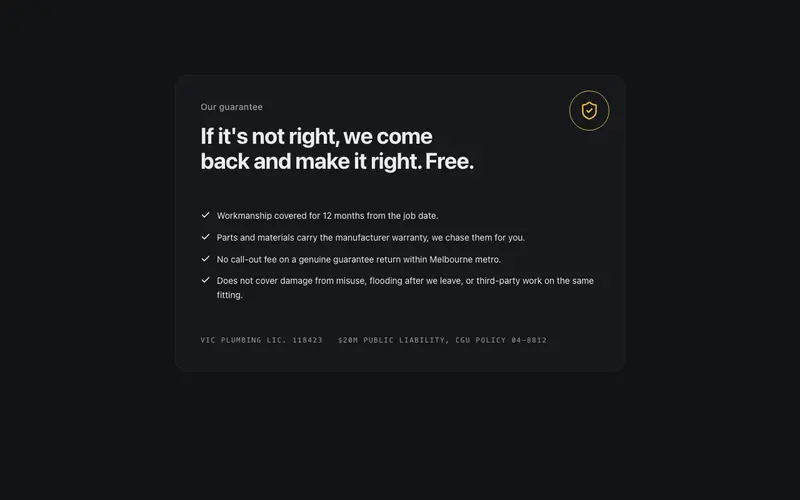
Workmanship Guarantee
The guarantee set large and plain, one promise sentence in display type, terms in honest small print at a readable size, and the license and insurer line in mono. A handshake, not a legal wall.
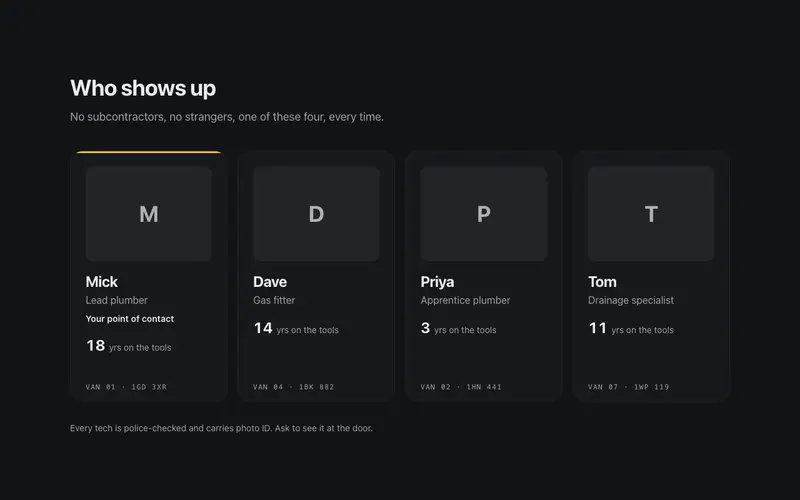
Who Shows Up
A crew strip that answers the homeowner's real question, who is coming to my house. First names, years on the tools, and the van ID in mono so the ute in the driveway matches the website.
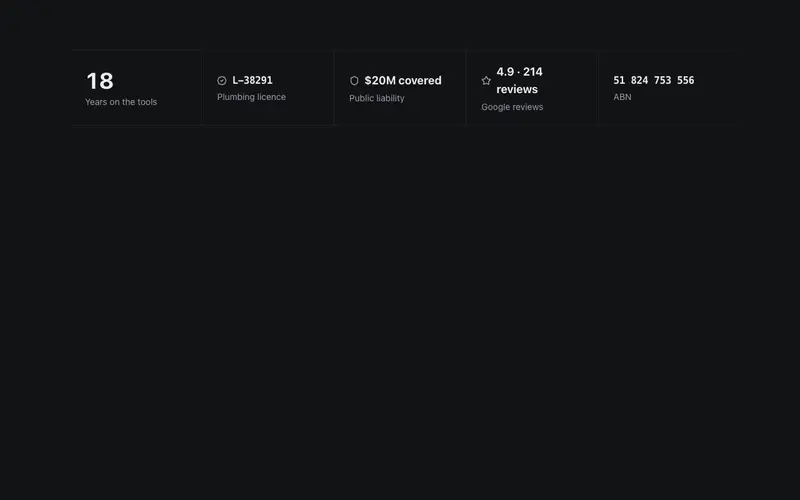
Credentials Bar
The trust strip that closes trade jobs, license number, insurance, years on the tools, and review score in one sturdy row. Mono where it's data, bold where it's pride.
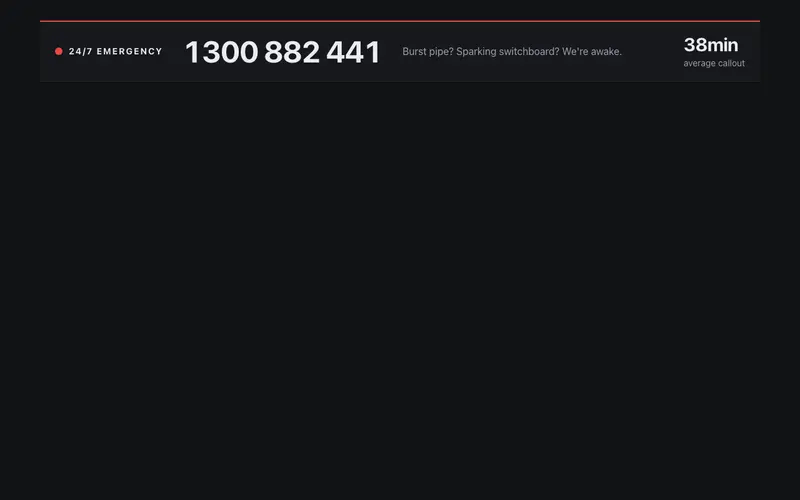
Emergency Bar
A 24/7 emergency strip, a lamp that pulses once, the phone number set huge for wet thumbs, and an average-callout stat that counts up. Urgency without panic, dependable at 2am.
Payment Plans
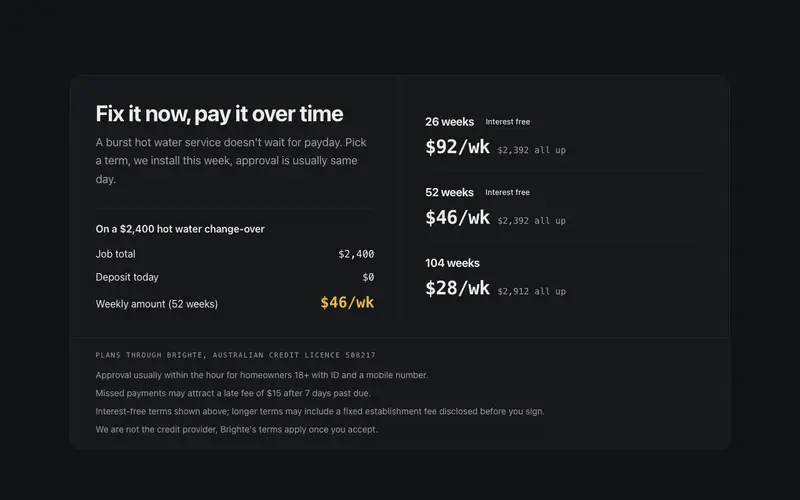
Payment plan explainer React block for trades, weekly amounts in mono, a worked job example ledger, and honest fine print. Tailwind tokens, no BNPL branding.
Quote Banner
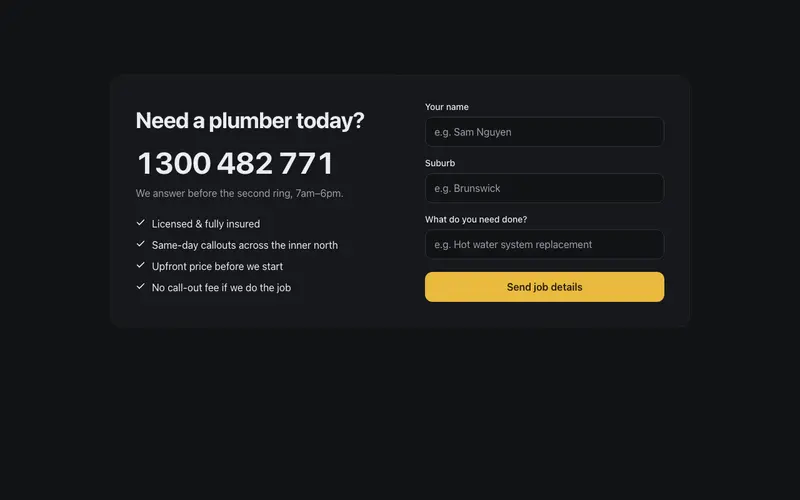
A get-a-quote block built the way tradies win work, phone number first and huge, a response-time promise, and a three-line job form. No friction, no fluff.
Frequently asked questions
How do I install the How a Job Runs component?
Register the @cleverui registry in your components.json ("@cleverui": "https://cleverops.com.au/r/{name}.json"), then run `npx shadcn@latest add @cleverui/trade-process-steps`. The shadcn CLI copies the source into your project, you own the code from that point. You can also copy the source directly from this page.
What dependencies does How a Job Runs require?
How a Job Runs uses motion and lucide-react on top of React and Tailwind CSS. You don't need to install them manually, the shadcn CLI resolves and installs npm dependencies automatically when you add the component.
Can I theme How a Job Runs to match my brand?
Yes. The component is styled entirely with Tailwind utilities over standard design tokens (primary, background, muted, border), so it inherits your existing shadcn/ui theme automatically. Change your CSS variables and the component follows, no source edits needed for palette, radius, or fonts.
Want this built for you?
CleverUI is built by the Clever Ops web team. If you'd rather ship a hand-coded, fast, custom website than assemble one, we build them for Australian businesses every week.
Explore web development services