Testimonial Audio Strip
Podcast-style quote strip, deterministic SVG waveform, mono timestamp and a play affordance that hands playback to an onPlay callback. Ships zero audio dependencies.
Preview & code
Installation
pnpm dlx shadcn@latest add @cleverui/testimonial-audio-stripRequires the @cleverui registry in your components.json, a one-off, two-line setup.
Usage
API reference
TestimonialAudioStrip accepts the following props.
…plus everything from Omit< React.HTMLAttributes<HTMLElement>, 'onDrag' | 'onDragStart' | 'onDragEnd' | 'onAnimationStart' >: className, event handlers, aria attributes and the rest pass straight through.
Related components
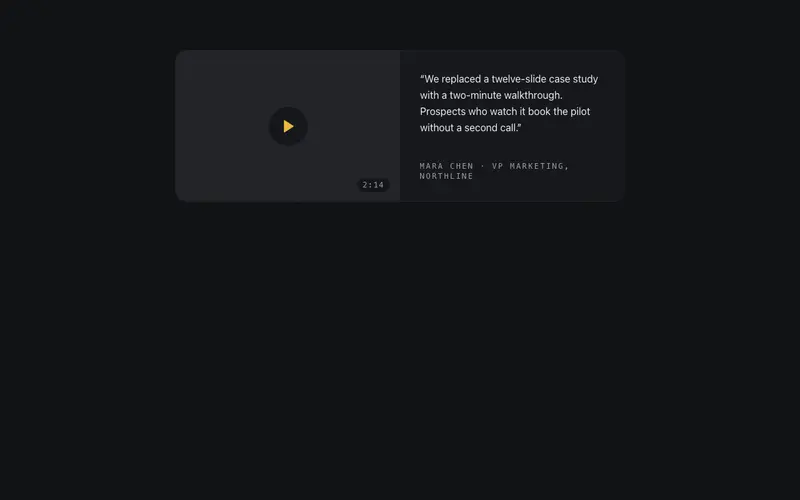
Testimonial Video Card
A quote card with a structural video frame, viewfinder ticks, play affordance and a mono duration chip, that hands playback to an onPlay callback. The frame is the design.
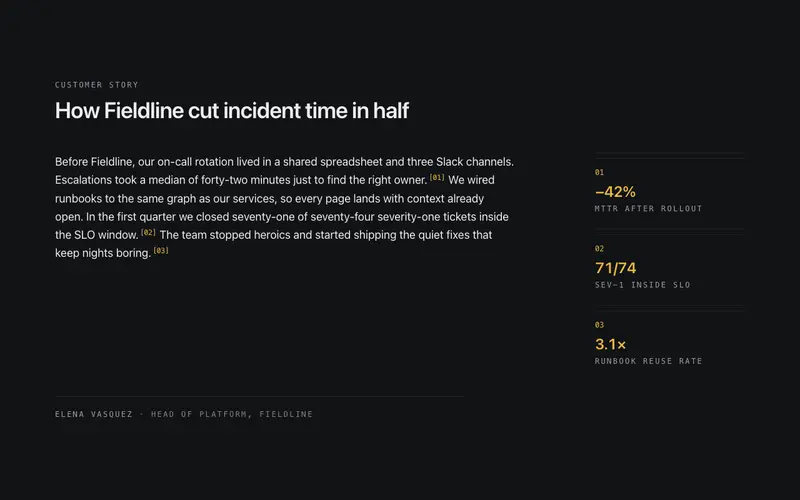
Testimonial Annotated
One long-form customer story read like an annotated manuscript, numbered mono metric callouts in the margin wire to the exact sentences that earned them.
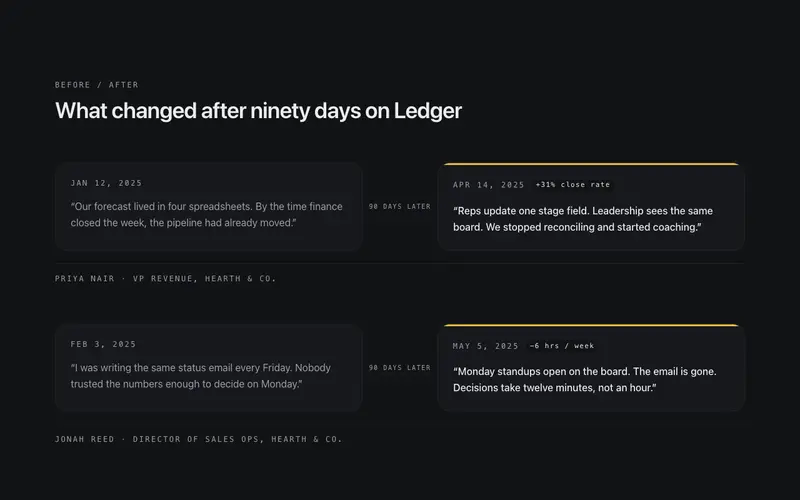
Testimonial Before After
Paired quotes from the same customer, what they said before and after 90 days, as two linked cards joined by a drawn connector, with honest mono dates.
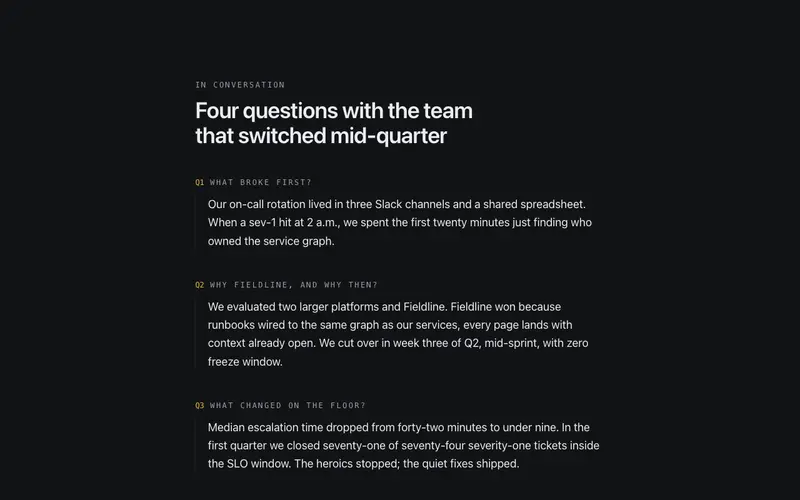
Testimonial Interview
Editorial Q&A testimonial, mono interviewer questions over one customer's long-form answers, closed by a monogram byline. An interview-excerpt block for React and Tailwind.
Testimonial Ledger
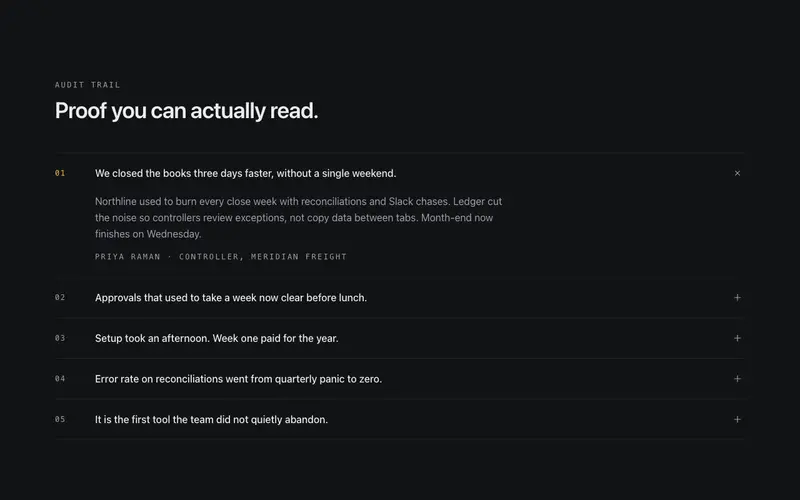
Testimonials filed as a ruled ledger, mono index numbers and one-line pull-quotes that expand on click to the full quote and attribution. Proof you can audit.
Testimonial Logo Lockup
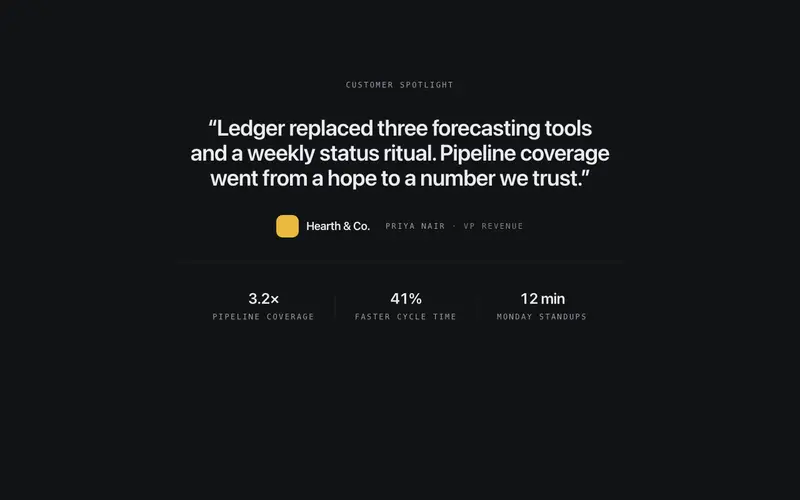
A single decisive quote locked up with the customer's typographic wordmark, role line, and a hairline stat row beneath, one-customer depth instead of a wall of voices.
Frequently asked questions
How do I install the Testimonial Audio Strip component?
Register the @cleverui registry in your components.json ("@cleverui": "https://cleverops.com.au/r/{name}.json"), then run `npx shadcn@latest add @cleverui/testimonial-audio-strip`. The shadcn CLI copies the source into your project, you own the code from that point. You can also copy the source directly from this page.
What dependencies does Testimonial Audio Strip require?
Testimonial Audio Strip uses motion and lucide-react on top of React and Tailwind CSS. You don't need to install them manually, the shadcn CLI resolves and installs npm dependencies automatically when you add the component.
Can I theme Testimonial Audio Strip to match my brand?
Yes. The component is styled entirely with Tailwind utilities over standard design tokens (primary, background, muted, border), so it inherits your existing shadcn/ui theme automatically. Change your CSS variables and the component follows, no source edits needed for palette, radius, or fonts.
Want this built for you?
CleverUI is built by the Clever Ops web team. If you'd rather ship a hand-coded, fast, custom website than assemble one, we build them for Australian businesses every week.
Explore web development services