Open Home Schedule
A week of inspections set like a printed schedule, days as ruled groups, each open home with its address, a tabular time range, and an add-to-calendar affordance via callback.
Preview & code
Installation
pnpm dlx shadcn@latest add @cleverui/open-home-scheduleRequires the @cleverui registry in your components.json, a one-off, two-line setup.
Usage
API reference
OpenHomeSchedule accepts the following props.
…plus everything from React.HTMLAttributes<HTMLElement>: className, event handlers, aria attributes and the rest pass straight through.
Referenced types
Related components
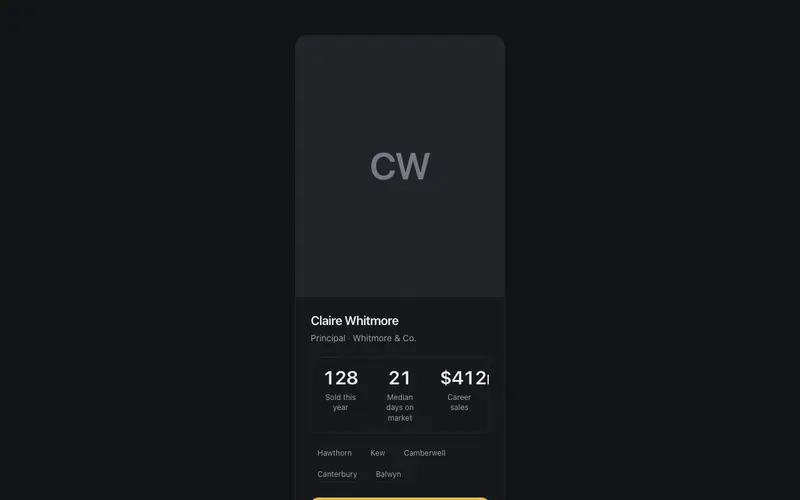
Agent Profile Card
An agent card that sells with proof, portrait placeholder, sold count and median days-on-market ticking up in tabular figures, suburbs served as chips, and an appraisal CTA.
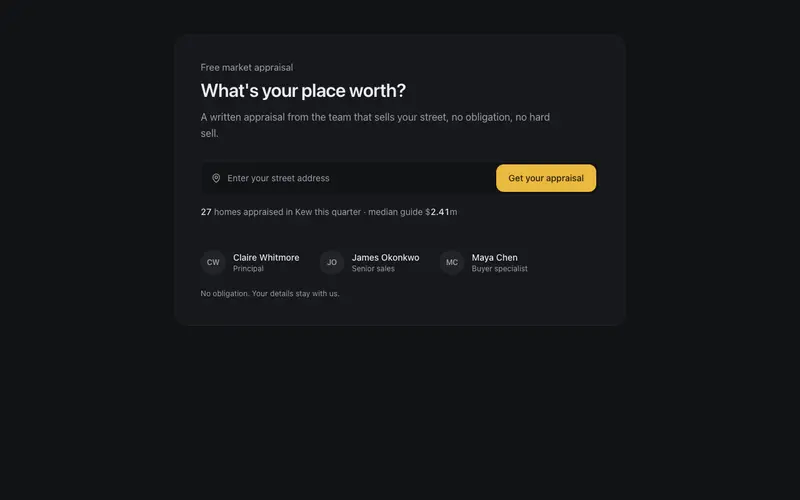
Appraisal CTA Panel
The what's-your-place-worth conversion block, a single address field with a callback-only submit, a recent-sales proof line in tabular figures, and an agent trust row.
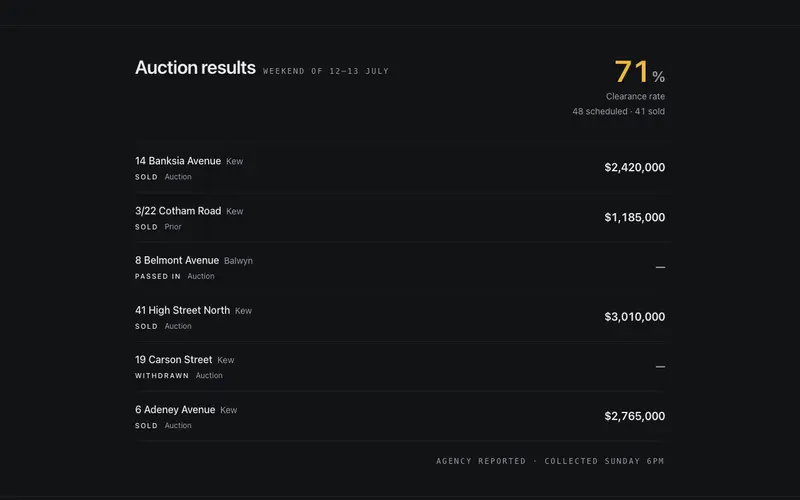
Auction Results Strip
Last weekend's auction results as a ruled band, a clearance rate counting up once, then sold and passed-in rows with addresses leading and prices set in tabular figures.
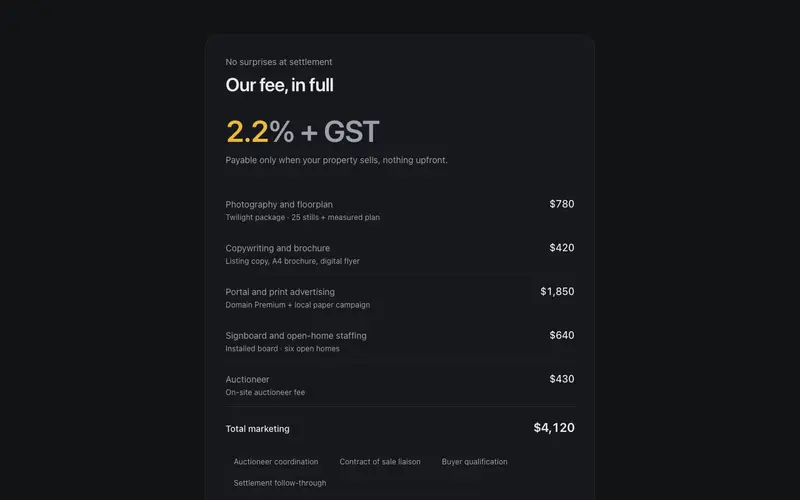
Commission Breakdown Sheet
Agent fees in full view, commission rate as the hero figure, itemised campaign costs in a ruled Tailwind ledger, and a payable-at-settlement note. React transparency block.
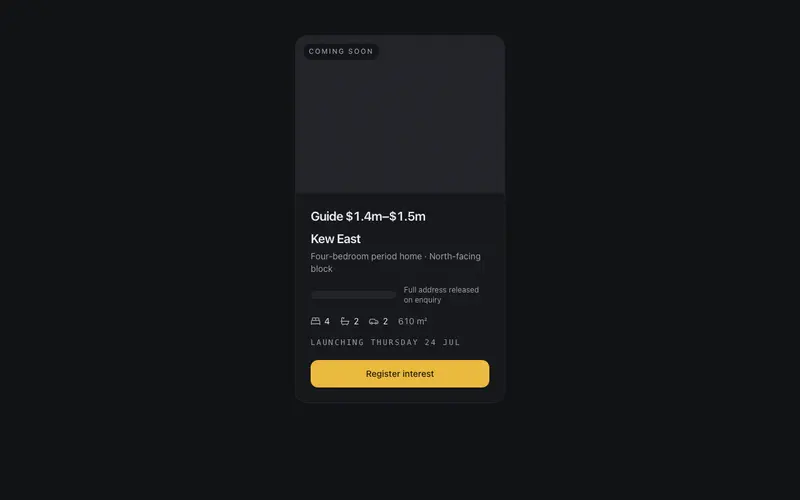
Off-Market Teaser
A coming-soon listing teaser in React, suburb leads while the address stays withheld behind a redaction bar, with a launch date line and a register-interest CTA. Tailwind tokens.
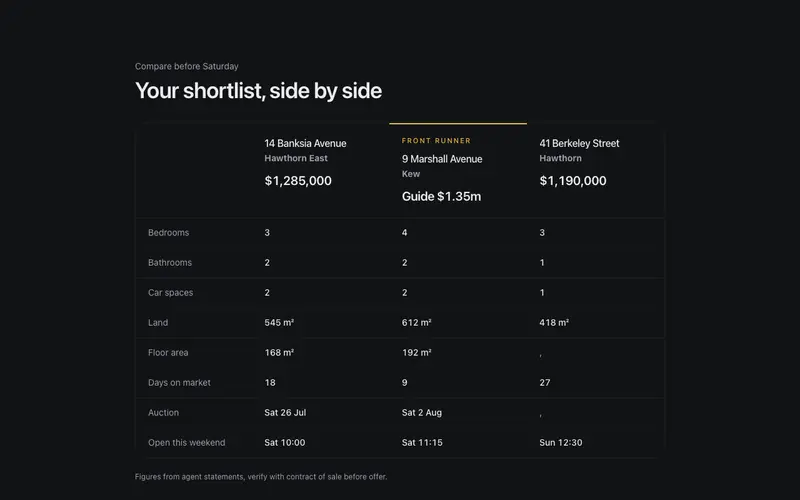
Property Compare Table
Shortlisted homes side by side in React, addresses head the columns, prices in large tabular figures, ruled attribute rows with em-dash gaps, Tailwind tokens throughout.
Frequently asked questions
How do I install the Open Home Schedule component?
Register the @cleverui registry in your components.json ("@cleverui": "https://cleverops.com.au/r/{name}.json"), then run `npx shadcn@latest add @cleverui/open-home-schedule`. The shadcn CLI copies the source into your project, you own the code from that point. You can also copy the source directly from this page.
What dependencies does Open Home Schedule require?
Open Home Schedule uses motion and lucide-react on top of React and Tailwind CSS. You don't need to install them manually, the shadcn CLI resolves and installs npm dependencies automatically when you add the component.
Can I theme Open Home Schedule to match my brand?
Yes. The component is styled entirely with Tailwind utilities over standard design tokens (primary, background, muted, border), so it inherits your existing shadcn/ui theme automatically. Change your CSS variables and the component follows, no source edits needed for palette, radius, or fonts.
Want this built for you?
CleverUI is built by the Clever Ops web team. If you'd rather ship a hand-coded, fast, custom website than assemble one, we build them for Australian businesses every week.
Explore web development services