Logo Marquee
Single-row logo strip on a pure-CSS loop, wordmarks sit grayscale and dimmed until hover restores them, with edge fade masks and an honest sr-only roster of company names.
Preview & code
Installation
pnpm dlx shadcn@latest add @cleverui/logo-marqueeRequires the @cleverui registry in your components.json, a one-off, two-line setup.
Usage
API reference
LogoMarquee accepts the following props.
…plus everything from React.HTMLAttributes<HTMLElement>: className, event handlers, aria attributes and the rest pass straight through.
Referenced types
Related components
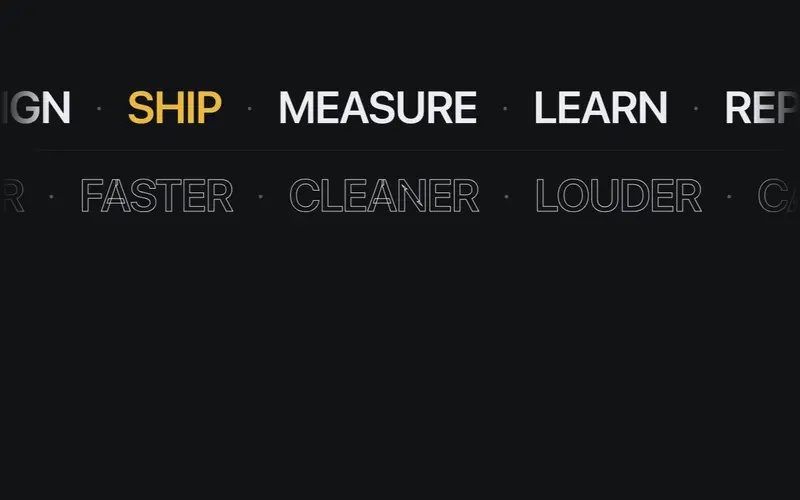
Split Lanes Marquee
Two counter-scrolling lanes of short display words, filled type above, outline type below, pure CSS with edge fades and a static stacked lockup under reduced motion.
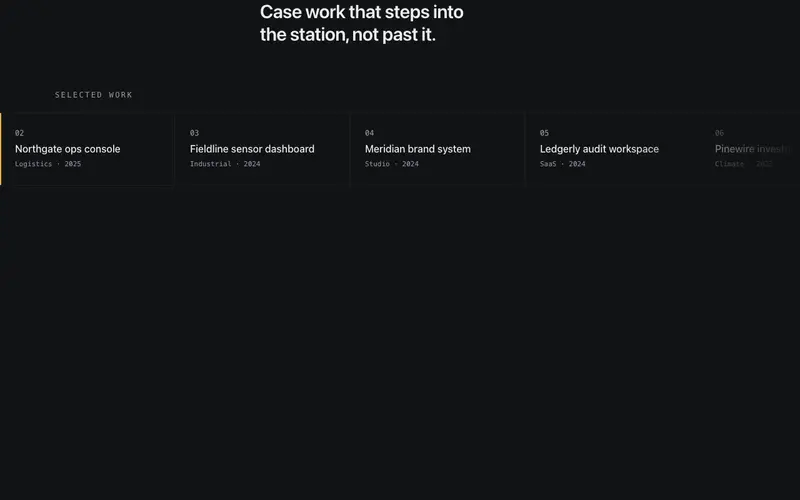
Step Rail Marquee
Stepped React marquee that advances one seamed cell at a time and dwells so every entry is readable, a pure CSS Tailwind rail with generated hold keyframes.
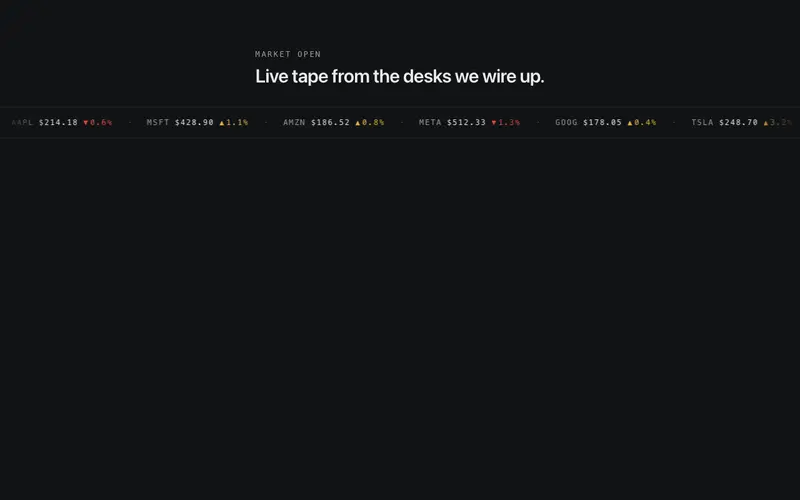
Ticker Tape Marquee
Thin financial-style tape scrolling mono label-value pairs on pure CSS, signed deltas carry direction glyphs in the primary/destructive token pair, framed by hairlines.
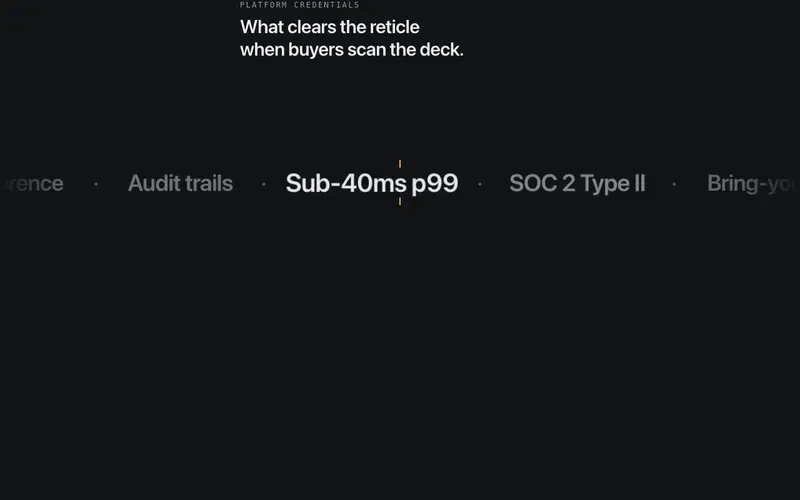
Focus Lens Marquee
React marquee with a fixed center reading lens, Tailwind display phrases drift on a loop and swell into focus as they cross a hairline reticle, receding at the edges.
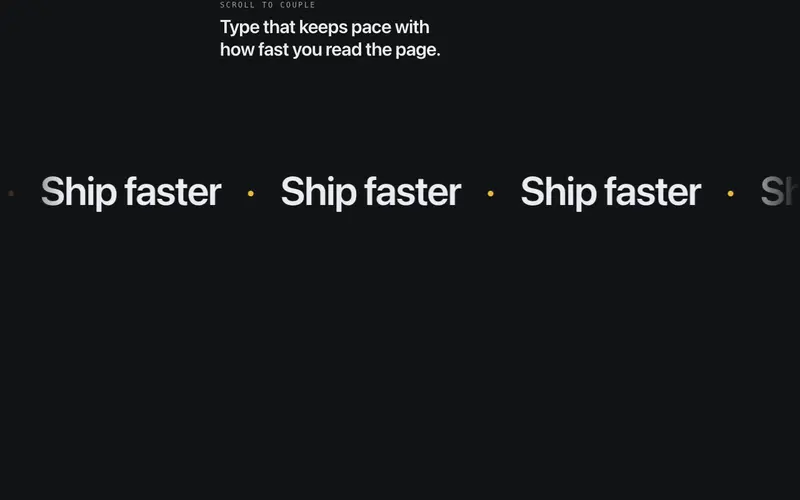
Velocity Scroll Marquee
Display-type marquee whose speed and direction follow scroll velocity, spring-smoothed so it drifts gently at rest, whips with fast scrolls, and never jumps.
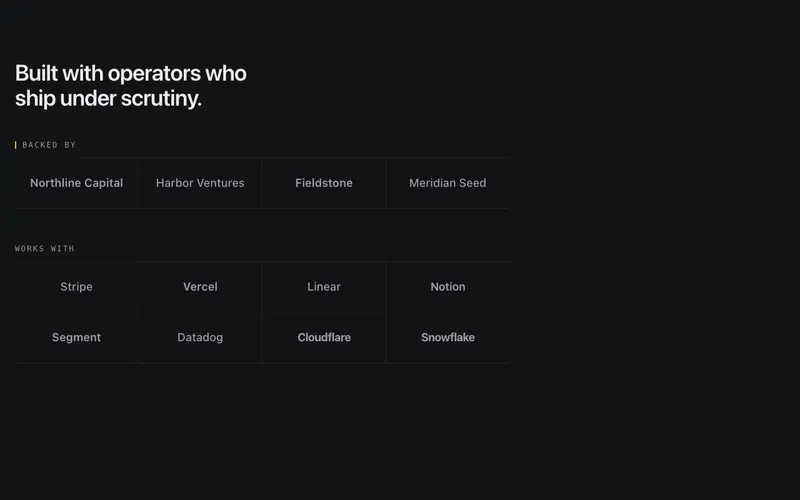
Logo Proof Wall
Static categorized logo wall, 'Backed by' and 'Works with' groups under mono labels and hairline rules, grayscale wordmarks with every company name in the accessibility tree.
Frequently asked questions
How do I install the Logo Marquee component?
Register the @cleverui registry in your components.json ("@cleverui": "https://cleverops.com.au/r/{name}.json"), then run `npx shadcn@latest add @cleverui/logo-marquee`. The shadcn CLI copies the source into your project, you own the code from that point. You can also copy the source directly from this page.
What dependencies does Logo Marquee require?
Logo Marquee has no npm dependencies beyond React and Tailwind CSS itself, so there is nothing extra to install or keep updated.
Can I theme Logo Marquee to match my brand?
Yes. The component is styled entirely with Tailwind utilities over standard design tokens (primary, background, muted, border), so it inherits your existing shadcn/ui theme automatically. Change your CSS variables and the component follows, no source edits needed for palette, radius, or fonts.
Want this built for you?
CleverUI is built by the Clever Ops web team. If you'd rather ship a hand-coded, fast, custom website than assemble one, we build them for Australian businesses every week.
Explore web development services