String Pluck Field
A playable field of hairline strings for React, they bend around the pointer and ring with damped harmonic decay when plucked by cursor, tap, or keyboard. Tailwind token strokes.
Preview & code
Installation
pnpm dlx shadcn@latest add @cleverui/string-pluck-fieldRequires the @cleverui registry in your components.json, a one-off, two-line setup.
Usage
API reference
StringPluckField accepts the following props.
…plus everything from React.HTMLAttributes<HTMLDivElement>: className, event handlers, aria attributes and the rest pass straight through.
Related components
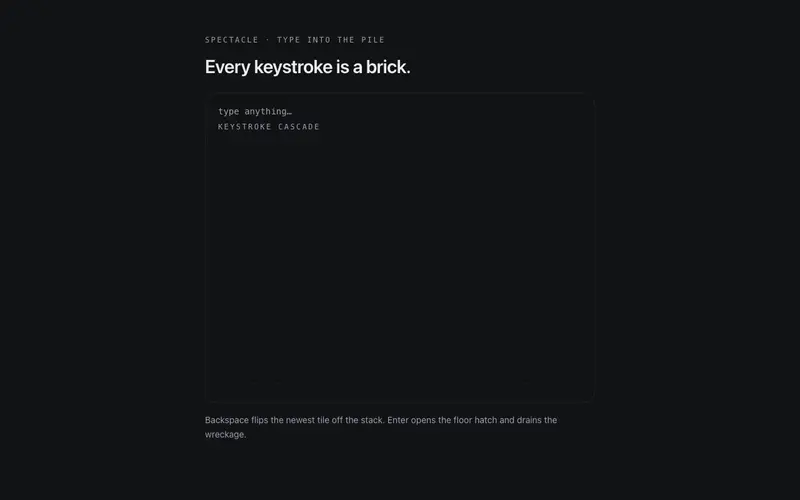
Keystroke Cascade
A type-anything React toy, every keystroke drops a physical glyph tile onto a canvas stage to bounce and stack; Enter opens the floor. Keyboard-native, Tailwind-tokened spectacle.
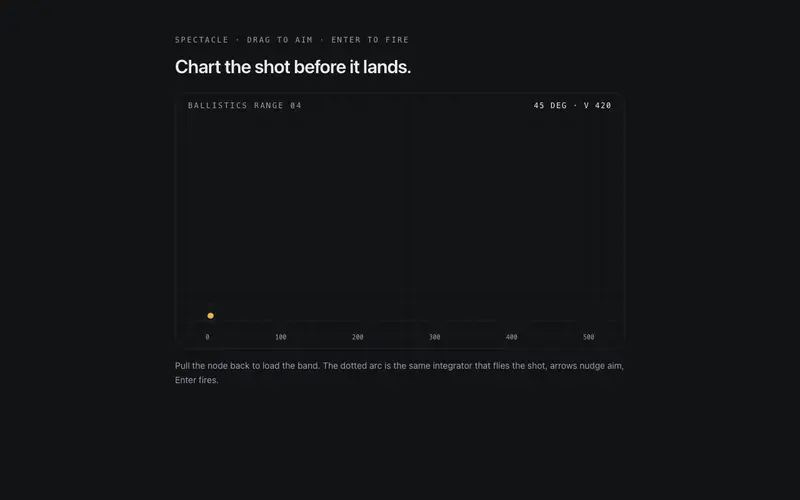
Slingshot Plotter
A slingshot ballistics range for React, drag to aim with a live predicted arc, fire, and every shot etches its trajectory with plotted coordinates. Keyboard aimable, Tailwind tokens.
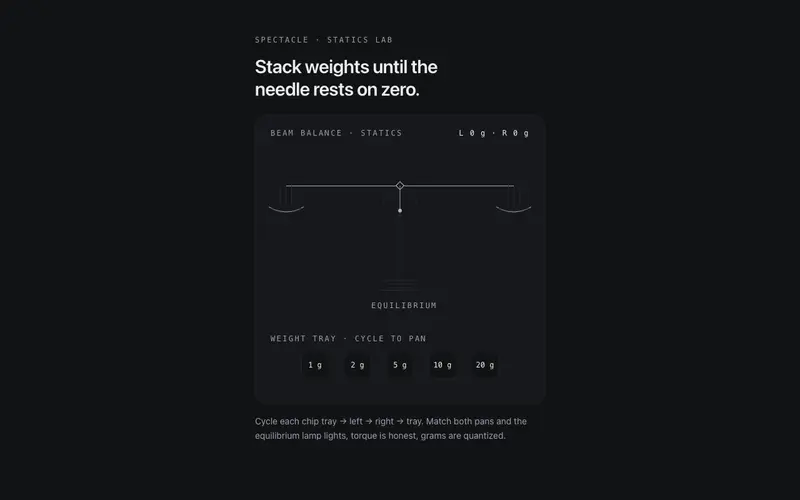
Beam Balance
A working two-pan beam balance for React, place mono weight chips on either pan, the beam tips with damped torque physics, and equilibrium earns the lamp. Tailwind tokens.
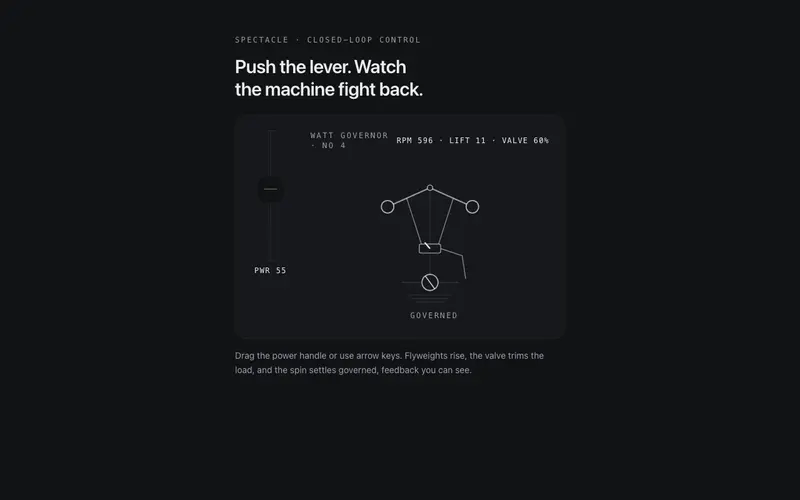
Centrifugal Governor
A working centrifugal governor for React, drive the power lever, flyweights rise and the valve trims the spin until it settles governed. ARIA slider semantics, Tailwind tokens.
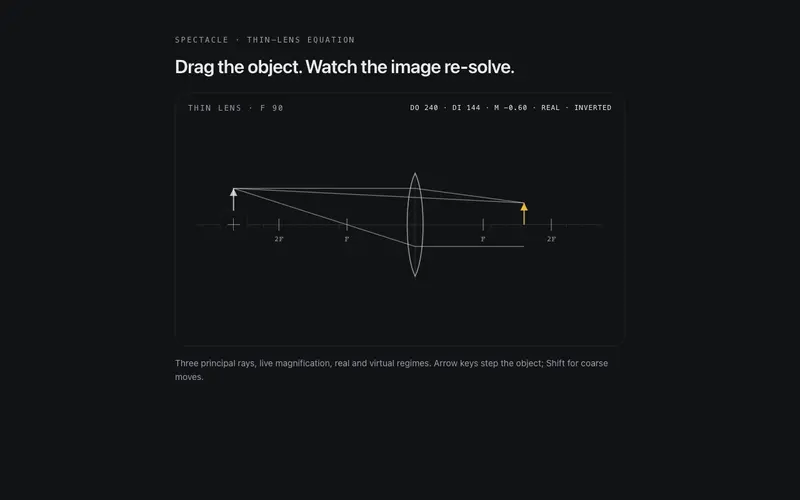
Lens Lab
A playable thin-lens ray lab for React, drag the object along the axis and principal rays, image, and magnification re-solve live. ARIA slider semantics, Tailwind token ink.
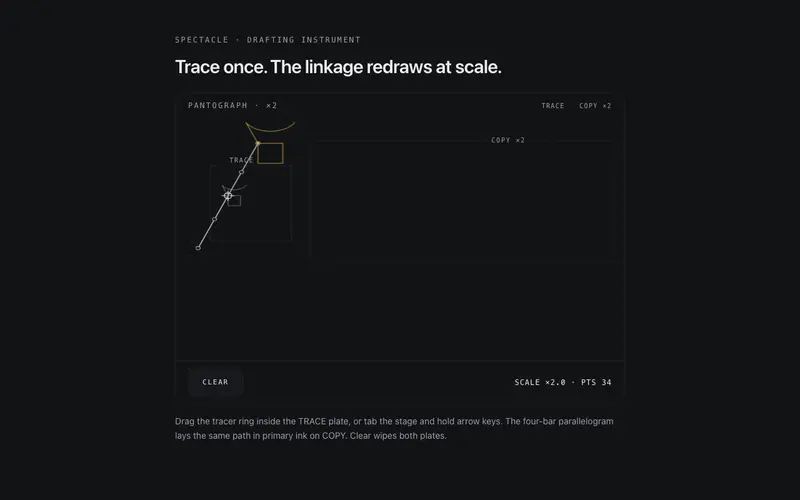
Pantograph Copier
A working pantograph for React, trace in the source plate and a four-bar linkage redraws your stroke at scale in primary ink. Keyboard steerable, touch native, Tailwind tokens.
Frequently asked questions
How do I install the String Pluck Field component?
Register the @cleverui registry in your components.json ("@cleverui": "https://cleverops.com.au/r/{name}.json"), then run `npx shadcn@latest add @cleverui/string-pluck-field`. The shadcn CLI copies the source into your project, you own the code from that point. You can also copy the source directly from this page.
What dependencies does String Pluck Field require?
String Pluck Field has no npm dependencies beyond React and Tailwind CSS itself, so there is nothing extra to install or keep updated.
Can I theme String Pluck Field to match my brand?
Yes. The component is styled entirely with Tailwind utilities over standard design tokens (primary, background, muted, border), so it inherits your existing shadcn/ui theme automatically. Change your CSS variables and the component follows, no source edits needed for palette, radius, or fonts.
Want this built for you?
CleverUI is built by the Clever Ops web team. If you'd rather ship a hand-coded, fast, custom website than assemble one, we build them for Australian businesses every week.
Explore web development services