Callout Figure Features
Annotated product figure for React marketing pages, numbered leader lines tie a token-built Tailwind mock to margin notes, so every feature claim points at the pixel it explains.
Preview & code
Installation
pnpm dlx shadcn@latest add @cleverui/feature-callout-figureRequires the @cleverui registry in your components.json, a one-off, two-line setup.
Usage
API reference
FeatureCalloutFigure accepts the following props.
…plus everything from React.HTMLAttributes<HTMLElement>: className, event handlers, aria attributes and the rest pass straight through.
Referenced types
Related components
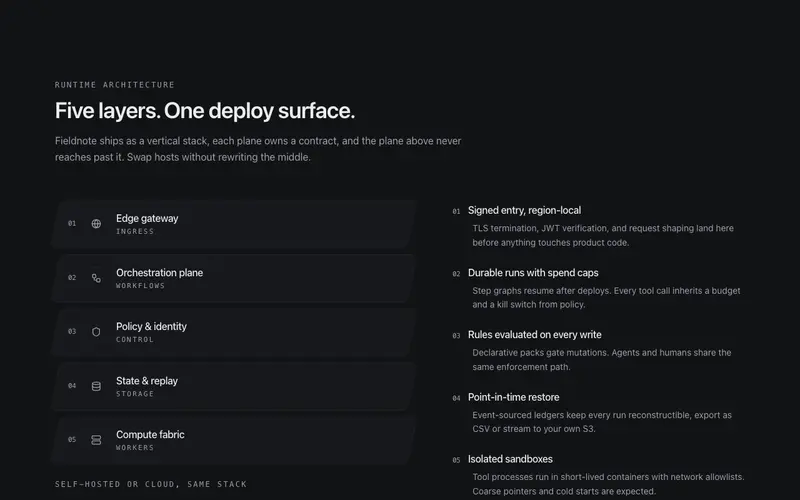
Layer Stack Features
Architecture layer stack for React product pages, skewed Tailwind planes pile the system into a flat axonometric diagram, each layer wired to a margin note.
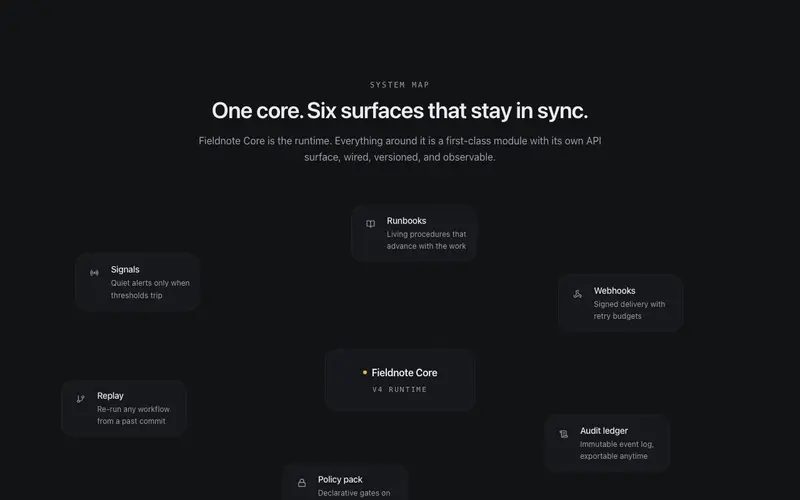
Orbit Map Features
A central product node with feature satellites wired by hairline SVG edges that draw themselves in, every node is real content, the architecture made visible.
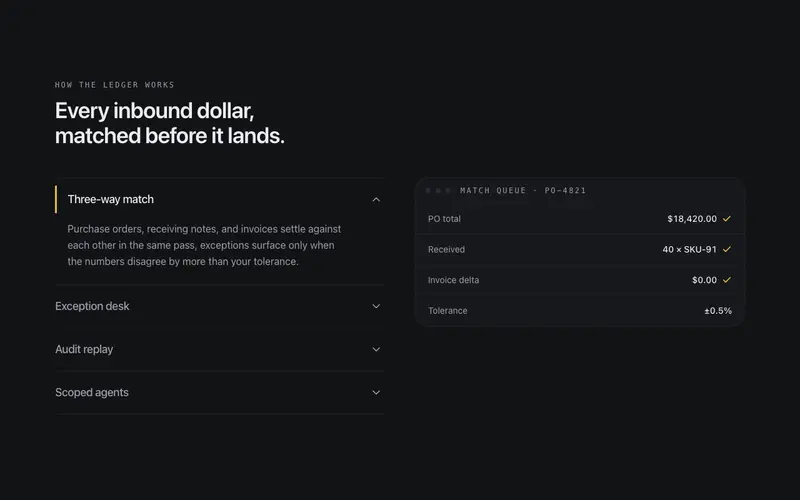
Accordion Stage
Feature accordion synced to a stage, expanding a row swaps the token-built preview beside it, one open at a time, height animated without jank.
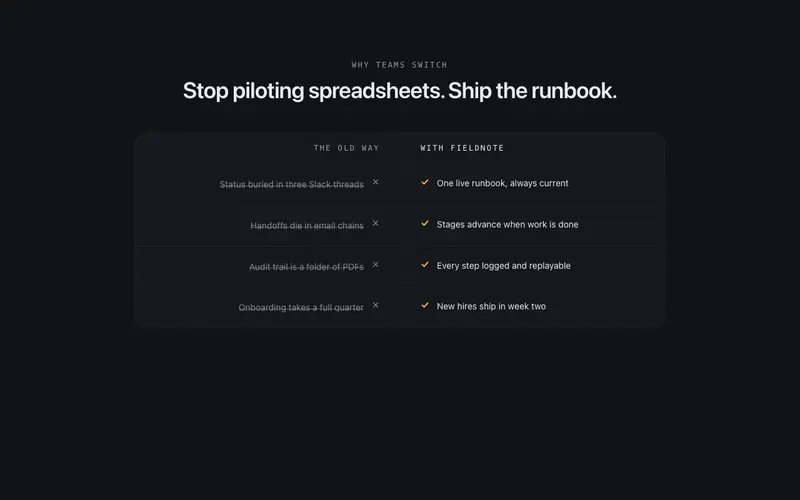
Before After Strip
A narrow strip pairing the old way against your product in two mirrored quiet columns, each pain struck through as its counterpart lands with a check.
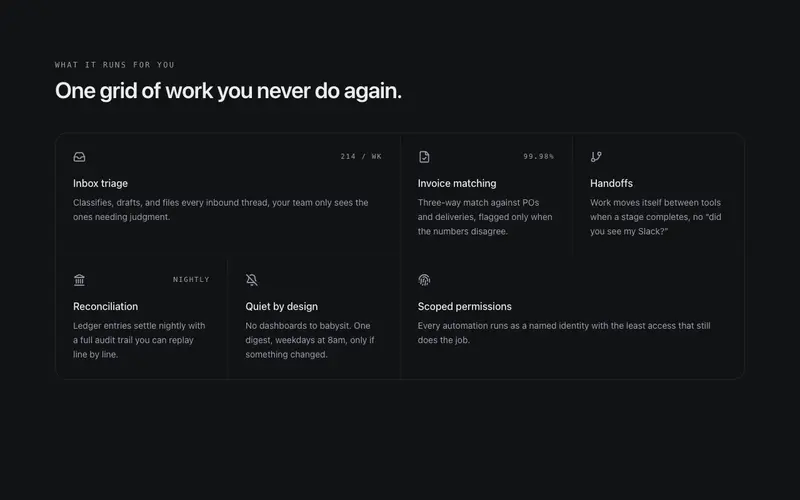
Bento Feature Grid
A bento grid drawn like a drafting table, tiles share single hairline seams instead of floating as glow cards. Staggered reveal, quiet hover shift, wide and tall spans.
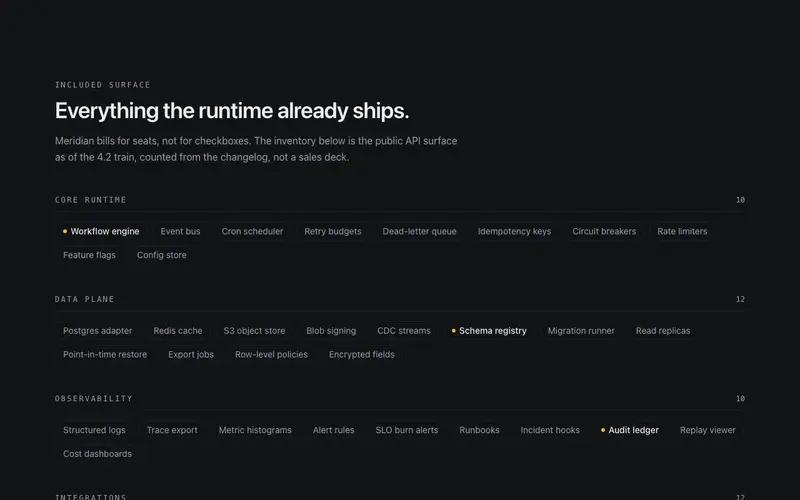
Inventory Wall Features
The everything-included wall for React landing pages, dozens of small capability chips grouped under mono Tailwind labels with counts, breadth made visible in one ruled sweep.
Frequently asked questions
How do I install the Callout Figure Features component?
Register the @cleverui registry in your components.json ("@cleverui": "https://cleverops.com.au/r/{name}.json"), then run `npx shadcn@latest add @cleverui/feature-callout-figure`. The shadcn CLI copies the source into your project, you own the code from that point. You can also copy the source directly from this page.
What dependencies does Callout Figure Features require?
Callout Figure Features uses motion and lucide-react on top of React and Tailwind CSS. You don't need to install them manually, the shadcn CLI resolves and installs npm dependencies automatically when you add the component.
Can I theme Callout Figure Features to match my brand?
Yes. The component is styled entirely with Tailwind utilities over standard design tokens (primary, background, muted, border), so it inherits your existing shadcn/ui theme automatically. Change your CSS variables and the component follows, no source edits needed for palette, radius, or fonts.
Want this built for you?
CleverUI is built by the Clever Ops web team. If you'd rather ship a hand-coded, fast, custom website than assemble one, we build them for Australian businesses every week.
Explore web development services