Event Venue Strip
A venue and date info band, oversized date numerals, doors time in mono, transit notes, and an add-to-calendar affordance. The poster's fine print, set proud.
Preview & code
Installation
pnpm dlx shadcn@latest add @cleverui/event-venue-stripRequires the @cleverui registry in your components.json, a one-off, two-line setup.
Usage
API reference
EventVenueStrip accepts the following props.
…plus everything from React.HTMLAttributes<HTMLElement>: className, event handlers, aria attributes and the rest pass straight through.
Related components
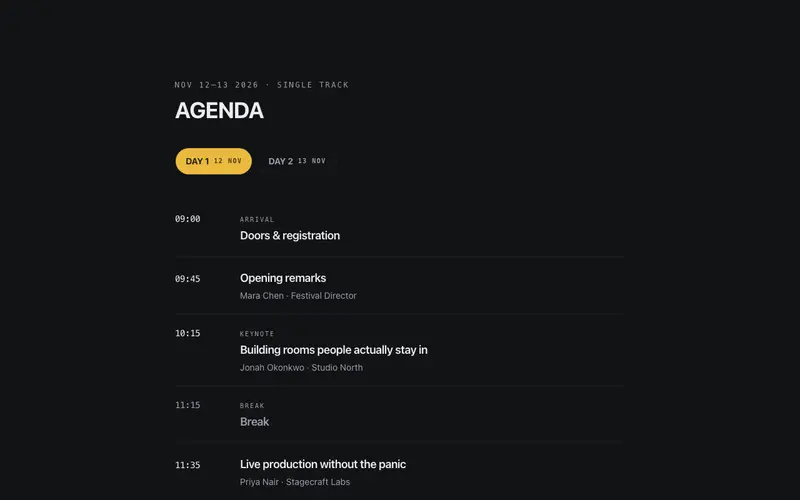
Agenda Day Picker
Day pills over a single-track agenda, pick a day, read its sessions down a mono time rail. One room, one running order, real tablist semantics.
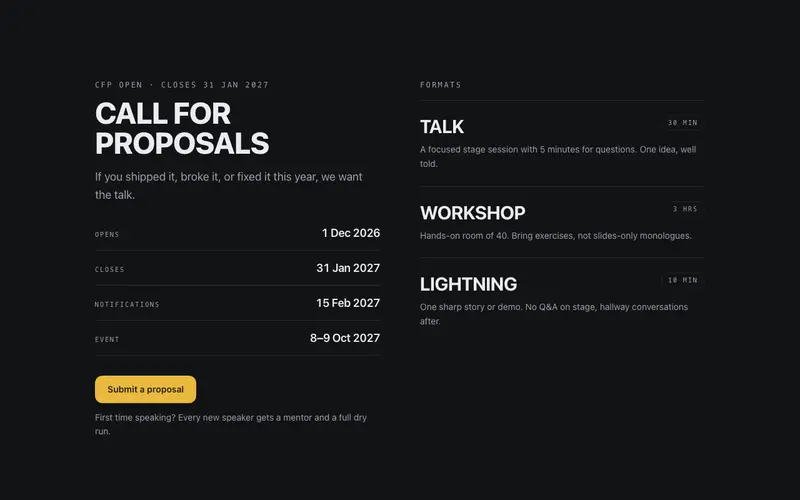
Event CFP Block
A call-for-proposals block, poster heading, mono deadline rail, talk formats with durations, and one submit CTA. React and Tailwind CFP section for conference sites.
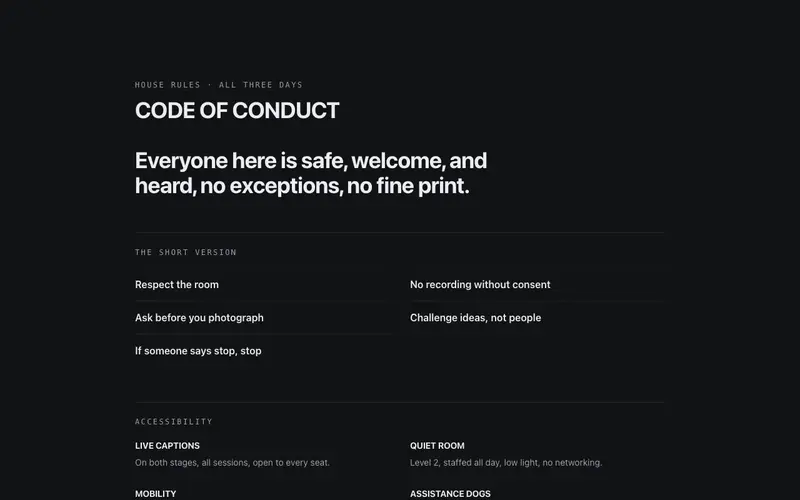
Event Code of Conduct
A code-of-conduct and accessibility block, a confident pledge set large, provisions as a dl grid, and real report channels. React and Tailwind trust section for events.
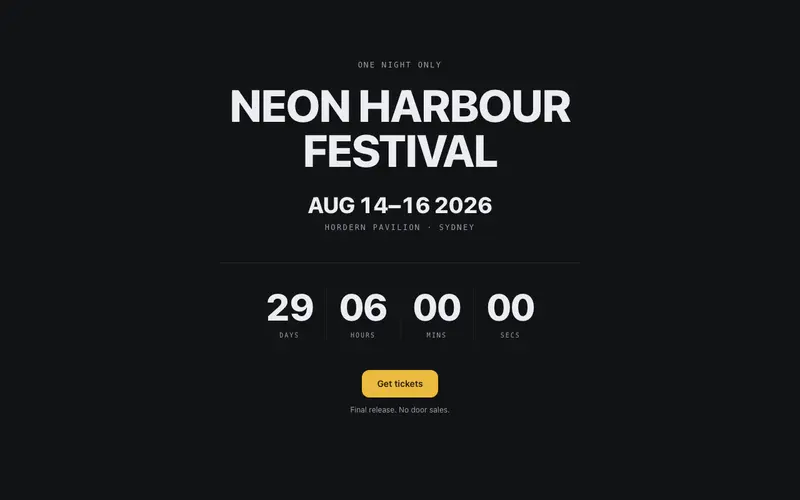
Event Countdown Hero
The event's own countdown hero, oversized date numerals, a mono venue line, poster-scale rolling countdown digits, and one ticket CTA. Doors open in exactly this long.
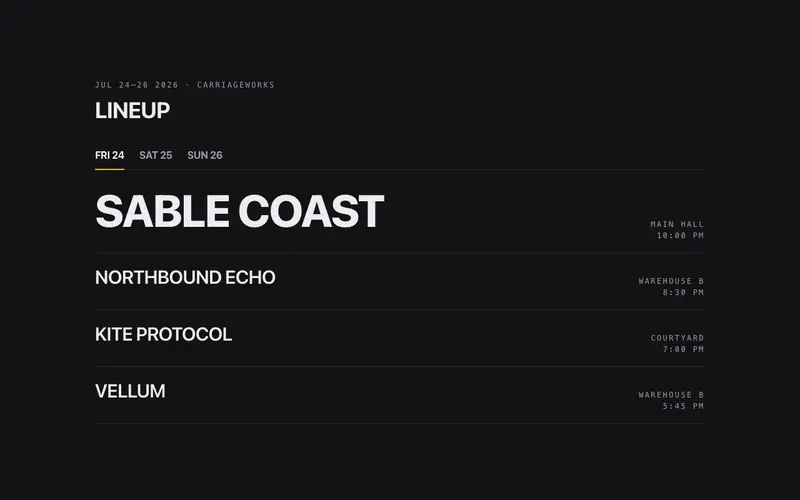
Event Lineup Board
A poster-type lineup board, acts in oversized weight-contrast rows, stage and time in mono, day tabs with real tablist semantics. The bill is the artwork.
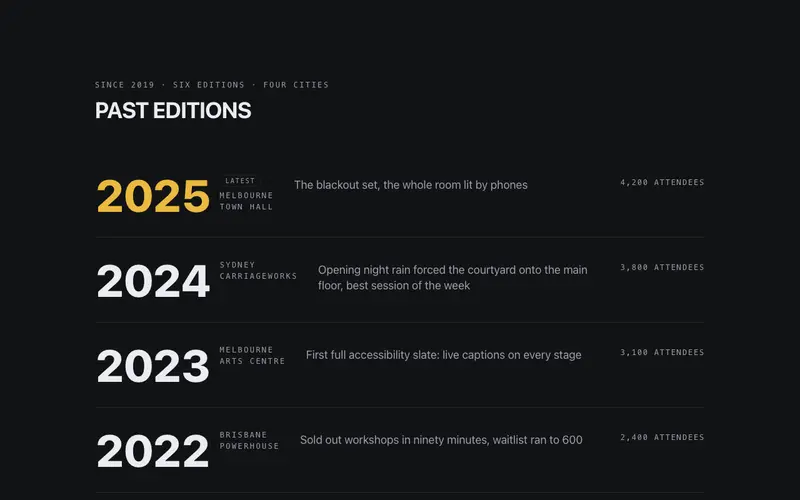
Event Past Editions
Past editions as a typographic reel, years set huge, cities in mono, one headline moment and attendance per row. A React and Tailwind pedigree block for event sites.
Frequently asked questions
How do I install the Event Venue Strip component?
Register the @cleverui registry in your components.json ("@cleverui": "https://cleverops.com.au/r/{name}.json"), then run `npx shadcn@latest add @cleverui/event-venue-strip`. The shadcn CLI copies the source into your project, you own the code from that point. You can also copy the source directly from this page.
What dependencies does Event Venue Strip require?
Event Venue Strip uses motion and lucide-react on top of React and Tailwind CSS. You don't need to install them manually, the shadcn CLI resolves and installs npm dependencies automatically when you add the component.
Can I theme Event Venue Strip to match my brand?
Yes. The component is styled entirely with Tailwind utilities over standard design tokens (primary, background, muted, border), so it inherits your existing shadcn/ui theme automatically. Change your CSS variables and the component follows, no source edits needed for palette, radius, or fonts.
Want this built for you?
CleverUI is built by the Clever Ops web team. If you'd rather ship a hand-coded, fast, custom website than assemble one, we build them for Australian businesses every week.
Explore web development services