Contact Email Spotlight
Minimal contact block that commits to one channel, the email address set at display scale as a working mailto with copy-to-clipboard and a quiet response promise. React + Tailwind.
Preview & code
Installation
pnpm dlx shadcn@latest add @cleverui/contact-email-spotlightRequires the @cleverui registry in your components.json, a one-off, two-line setup.
Usage
API reference
ContactEmailSpotlight accepts the following props.
…plus everything from React.HTMLAttributes<HTMLElement>: className, event handlers, aria attributes and the rest pass straight through.
Related components
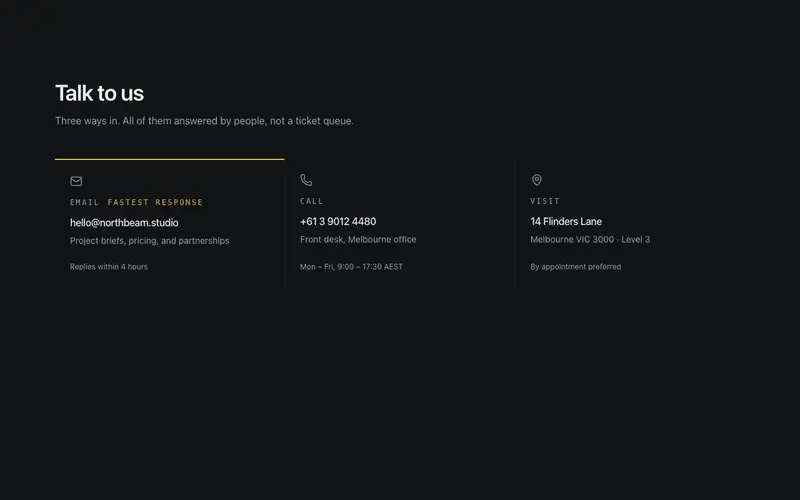
Contact Channel Cards
Pick-your-channel contact tiles, email, call, visit, each a working link with a quiet response-time promise; the single recommended channel carries the primary keyline.
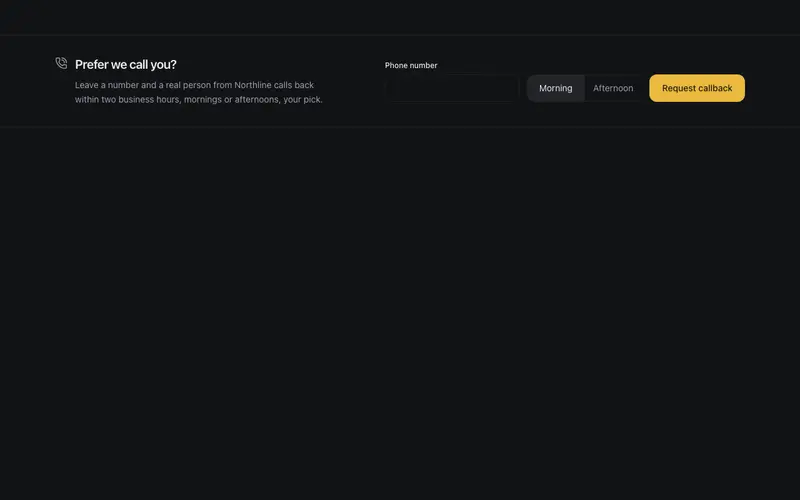
Contact Callback Strip
Slim request-a-callback band in React, one tel field, a morning or afternoon window picker and an honest callback promise, collapsing to a confirmation. Tailwind micro form.
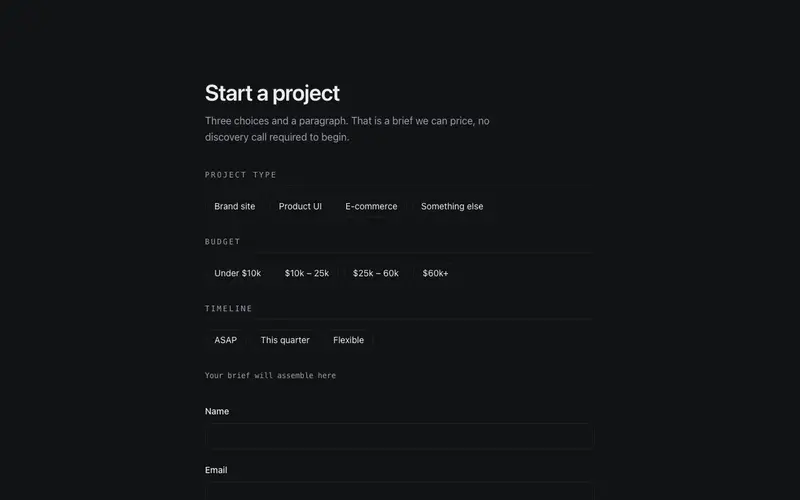
Contact Project Brief
Project inquiry form that composes a brief, radio-chip fieldsets for type, budget and timeline with a live mono summary line. An honest React and Tailwind contact form for agencies.
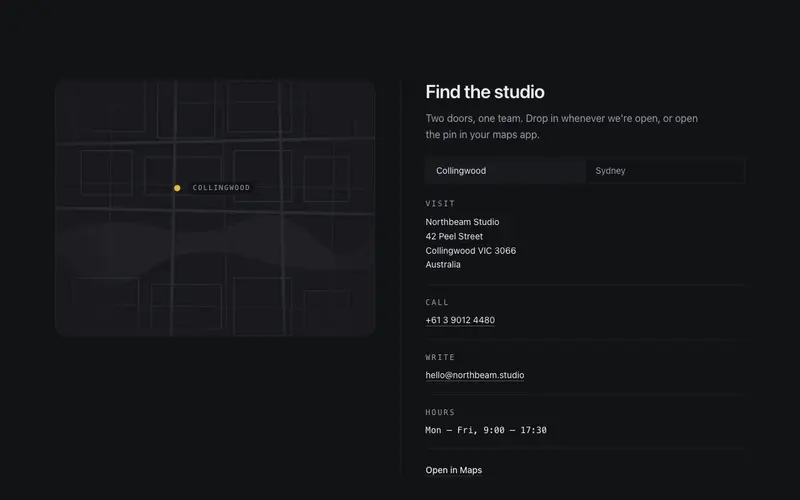
Contact Split Map
Contact section with a token-drawn SVG map, abstract street grid, primary pin, office switcher, and working tel, mailto and directions links. React + Tailwind, no map embed.
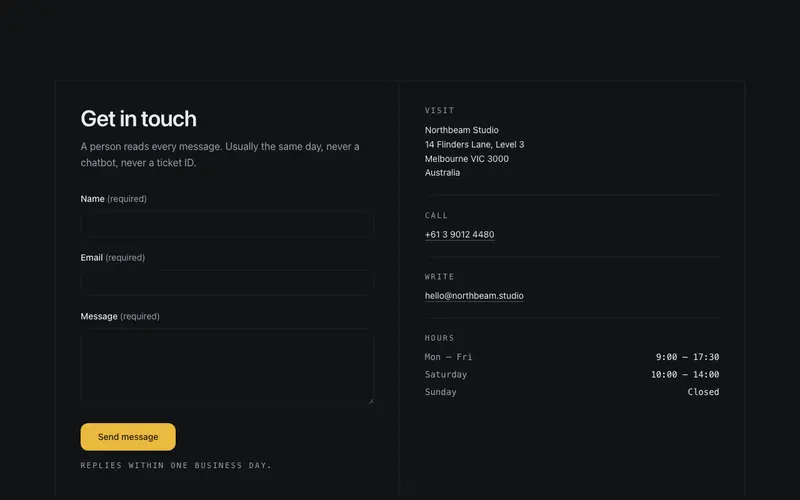
Contact Split Panel
Seam-divided contact section, left a form done right with visible labels and honest validation, right the office in mono: hours, address, working tel and mailto links.
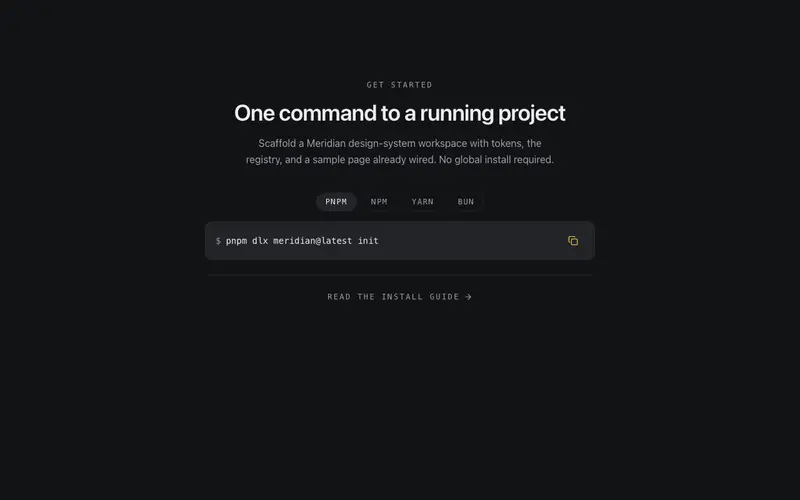
Command Copy CTA
Developer install CTA, package-manager tabs switch one mono command line with a copy-to-clipboard affordance and a quiet docs link. A React and Tailwind closer for dev tools.
Frequently asked questions
How do I install the Contact Email Spotlight component?
Register the @cleverui registry in your components.json ("@cleverui": "https://cleverops.com.au/r/{name}.json"), then run `npx shadcn@latest add @cleverui/contact-email-spotlight`. The shadcn CLI copies the source into your project, you own the code from that point. You can also copy the source directly from this page.
What dependencies does Contact Email Spotlight require?
Contact Email Spotlight uses motion and lucide-react on top of React and Tailwind CSS. You don't need to install them manually, the shadcn CLI resolves and installs npm dependencies automatically when you add the component.
Can I theme Contact Email Spotlight to match my brand?
Yes. The component is styled entirely with Tailwind utilities over standard design tokens (primary, background, muted, border), so it inherits your existing shadcn/ui theme automatically. Change your CSS variables and the component follows, no source edits needed for palette, radius, or fonts.
Want this built for you?
CleverUI is built by the Clever Ops web team. If you'd rather ship a hand-coded, fast, custom website than assemble one, we build them for Australian businesses every week.
Explore web development services