Quiet Hours
Sensory-friendly quiet hours, weekly low-stimulation session times beside a gentle list of what changes, from dimmed lights to no dryers. A React and Tailwind panel for salons.
Preview & code
Installation
pnpm dlx shadcn@latest add @cleverui/quiet-hours-panelRequires the @cleverui registry in your components.json, a one-off, two-line setup.
Usage
API reference
QuietHoursPanel accepts the following props.
…plus everything from React.HTMLAttributes<HTMLElement>: className, event handlers, aria attributes and the rest pass straight through.
Referenced types
Related components
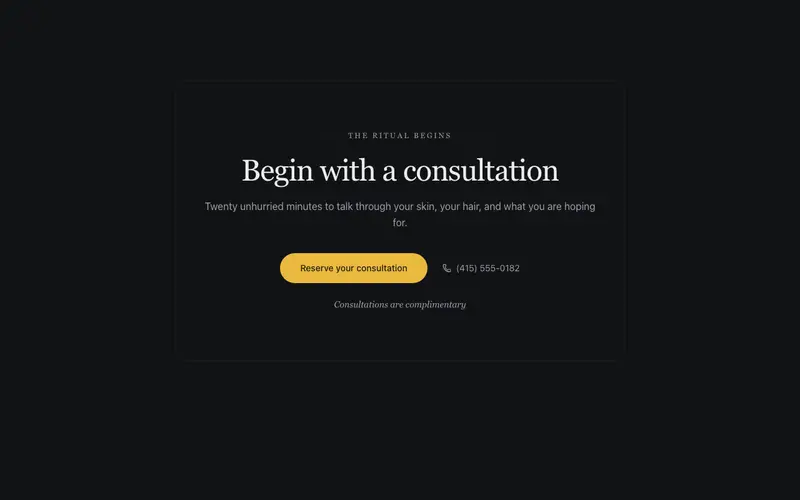
Booking Ritual CTA
An appointment CTA framed as the start of a ritual, a light serif invitation, a softened primary action, and a quiet phone path beside it. Unhurried, sensory, certain of itself.
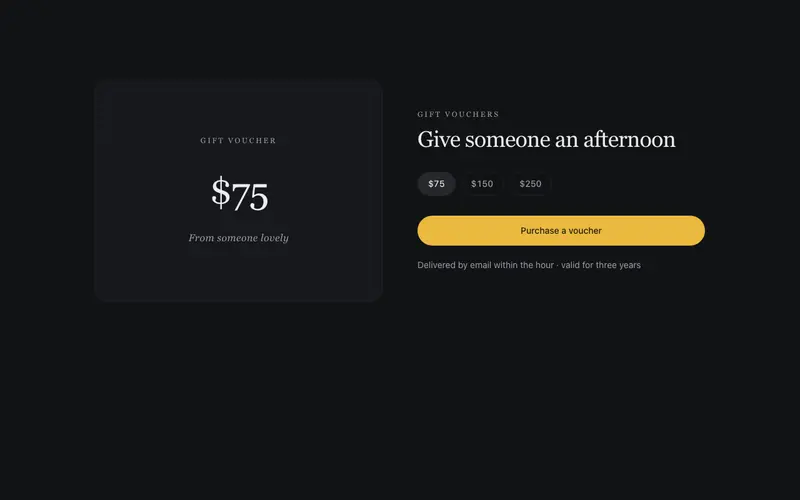
Gift Voucher Card
A voucher presented like the gift itself, certificate hairlines, a light serif denomination display, a from-someone-lovely line, and a purchase CTA. E-commerce in the beauty voice.
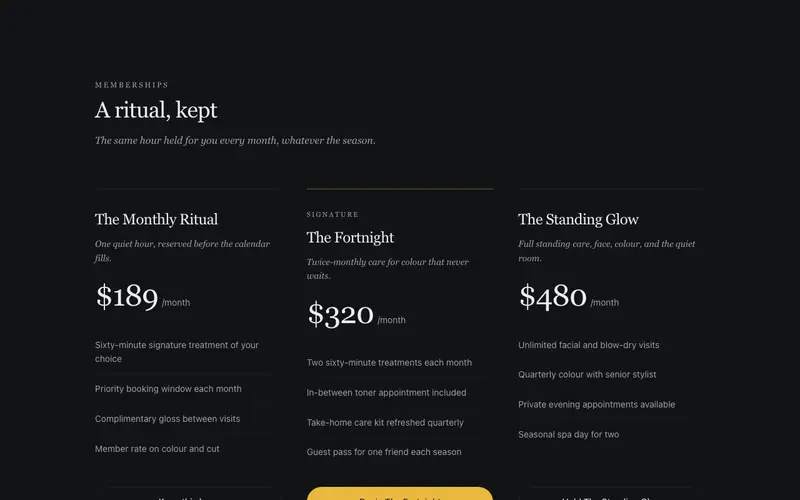
Membership Glow
Beauty memberships with serif tier names like The Monthly Ritual, included treatments as airy lists, per-month prices in tabular figures, and a soft masked halo behind the signature tier.
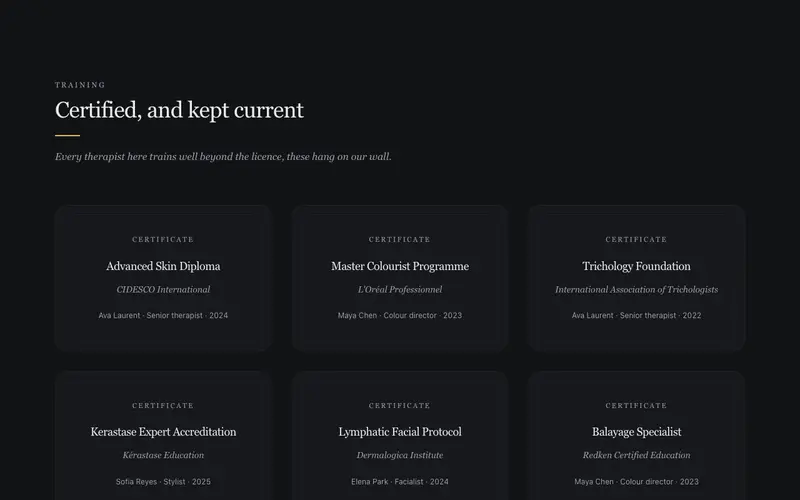
Certification Wall
Training diplomas and brand accreditations framed like certificates on a salon wall, double-hairline frames, serif academy names, holder and year lines. React and Tailwind trust.
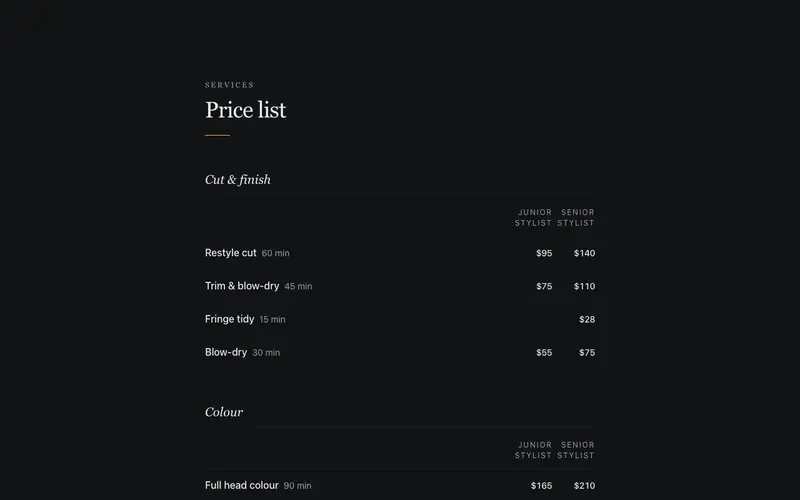
Salon Price List
A full salon price list set like a printed tariff document, serif category heads, whisper hairline rows of service, duration and price, and junior/senior stylist columns in tabular figures.
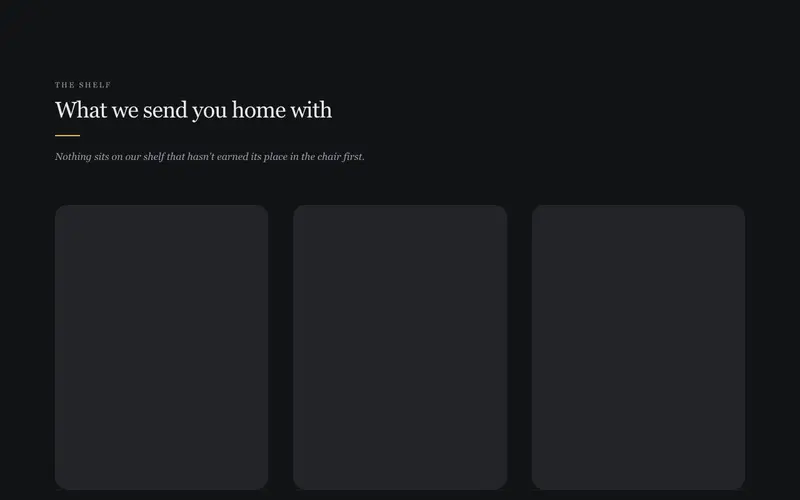
The Salon Shelf
The salon's retail shelf as a designed object, framed product placeholders resting on a drawn hairline shelf, italic why-we-stock-it lines, quiet prices. A React and Tailwind block.
Frequently asked questions
How do I install the Quiet Hours component?
Register the @cleverui registry in your components.json ("@cleverui": "https://cleverops.com.au/r/{name}.json"), then run `npx shadcn@latest add @cleverui/quiet-hours-panel`. The shadcn CLI copies the source into your project, you own the code from that point. You can also copy the source directly from this page.
What dependencies does Quiet Hours require?
Quiet Hours uses motion on top of React and Tailwind CSS. You don't need to install it manually, the shadcn CLI resolves and installs npm dependencies automatically when you add the component.
Can I theme Quiet Hours to match my brand?
Yes. The component is styled entirely with Tailwind utilities over standard design tokens (primary, background, muted, border), so it inherits your existing shadcn/ui theme automatically. Change your CSS variables and the component follows, no source edits needed for palette, radius, or fonts.
Want this built for you?
CleverUI is built by the Clever Ops web team. If you'd rather ship a hand-coded, fast, custom website than assemble one, we build them for Australian businesses every week.
Explore web development services