SaaS Landing Page Template
Bespoke revops landing site for Solstice: self-drawing eclipse hero, four-phase close console with live reconcile status, metrics, security, pricing toggle, FAQ.
Preview & code
Installation
pnpm dlx shadcn@latest add @cleverui/template-saas-landingRequires the @cleverui registry in your components.json, a one-off, two-line setup.
Usage
API reference
TemplateSaasLanding accepts the following props.
Referenced types
Related components
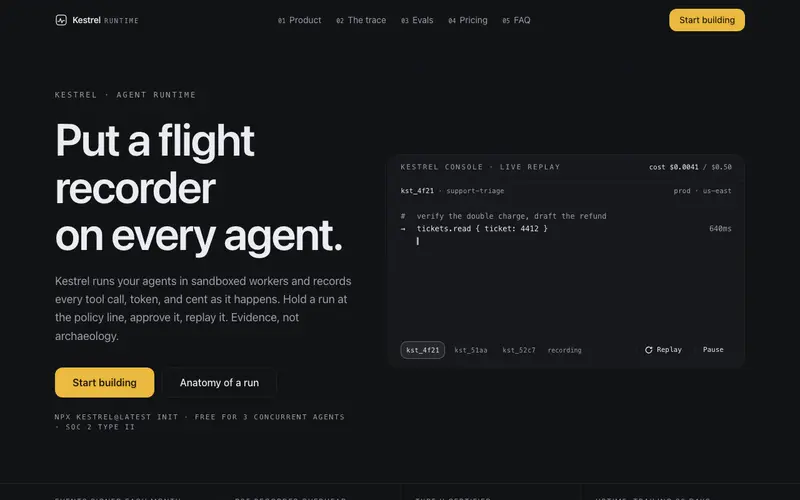
AI Startup Landing Page Template
Agent-ops console as a full site: streaming run-trace hero with replay controls, trace anatomy timeline, eval numbers band, security ledger, usage-slider pricing, FAQ, command-palette signup.
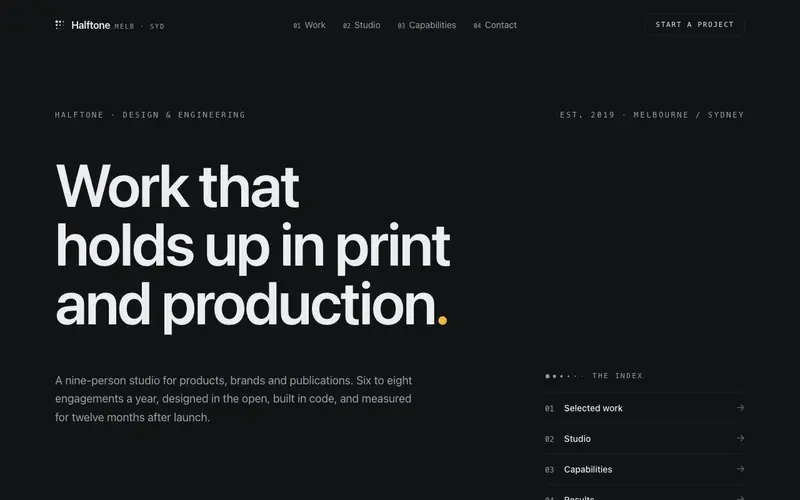
Agency Studio Template
A portfolio index for a design studio: display-type statement hero, oversized case rows with hover and tap preview plates, capability accordion, results strip, recognition ledger, brief form.
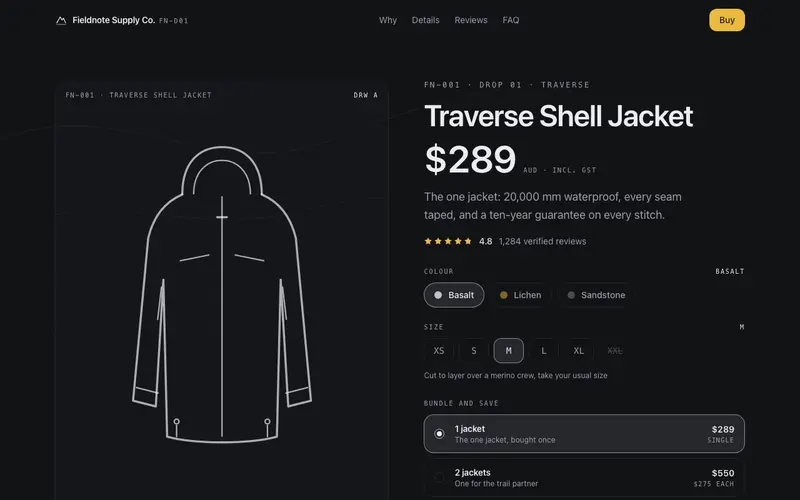
Ecommerce Product Launch Template
Complete one-product store where the buy box is the hero: switchable technical drawings, live pack pricing, specs ledger, review summary, shipping policy, FAQ and restock band.
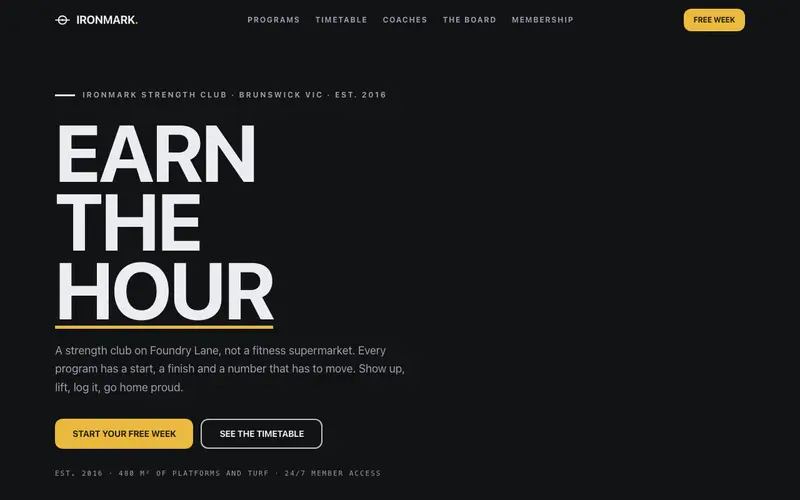
Fitness Gym Template
Bespoke strength-club site for Ironmark, Brunswick: plate-math bar calculator, chalkboard record board, day-tab timetable, coach totals, honest membership, free-week form.
Law Firm Template
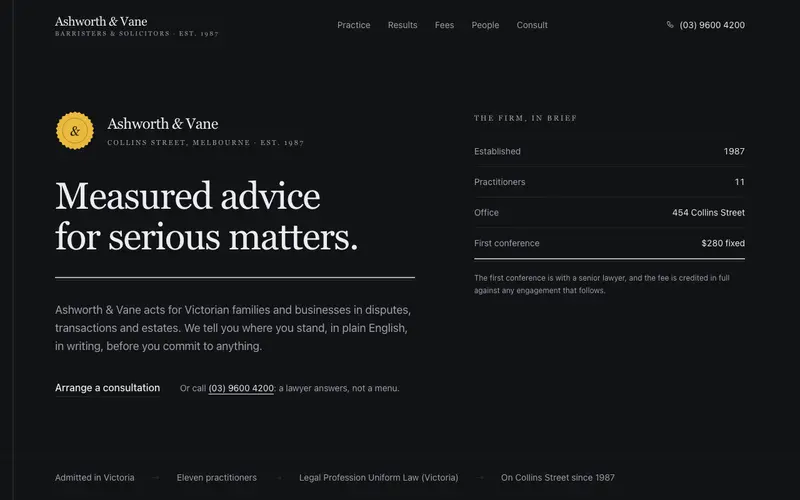
Complete law-firm site set as a bound legal brief, double-rule serif headings, clause-numbered practice selector, sober results band, fee disclosure accordion, partner roll, consult intake.
Medical Clinic Site Template
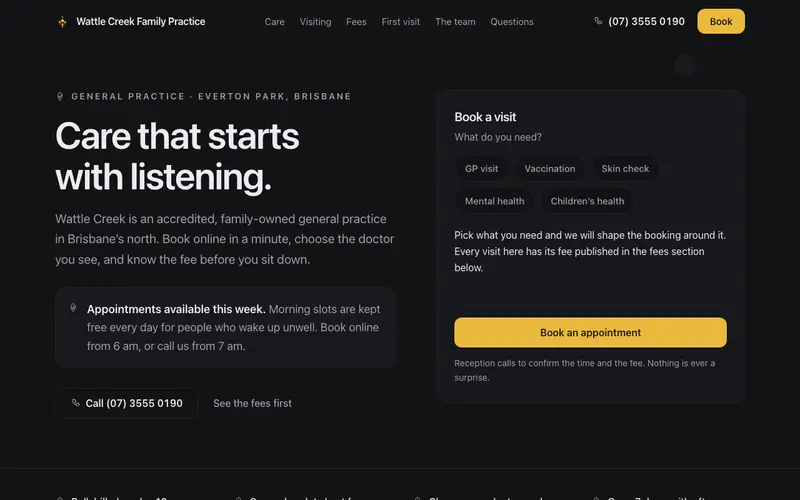
Complete GP clinic site as a calm appointment card, reason-picker booking hero, hours and telehealth, honest Medicare fees, first-visit checklist, team, gentle FAQ and booking.
Frequently asked questions
How do I install the SaaS Landing Page Template component?
Register the @cleverui registry in your components.json ("@cleverui": "https://cleverops.com.au/r/{name}.json"), then run `npx shadcn@latest add @cleverui/template-saas-landing`. The shadcn CLI copies the source into your project, you own the code from that point. You can also copy the source directly from this page.
What dependencies does SaaS Landing Page Template require?
SaaS Landing Page Template uses motion on top of React and Tailwind CSS. You don't need to install it manually, the shadcn CLI resolves and installs npm dependencies automatically when you add the component.
Can I theme SaaS Landing Page Template to match my brand?
Yes. The component is styled entirely with Tailwind utilities over standard design tokens (primary, background, muted, border), so it inherits your existing shadcn/ui theme automatically. Change your CSS variables and the component follows, no source edits needed for palette, radius, or fonts.
Want this built for you?
CleverUI is built by the Clever Ops web team. If you'd rather ship a hand-coded, fast, custom website than assemble one, we build them for Australian businesses every week.
Explore web development services